Find out what's urgent in your inbox
Monday morning, forty emails, and one of them really can't wait. Ask your assistant what's urgent and it reads your recent mail and tells you in a few lines — and it can find the document you need without you digging through folders.
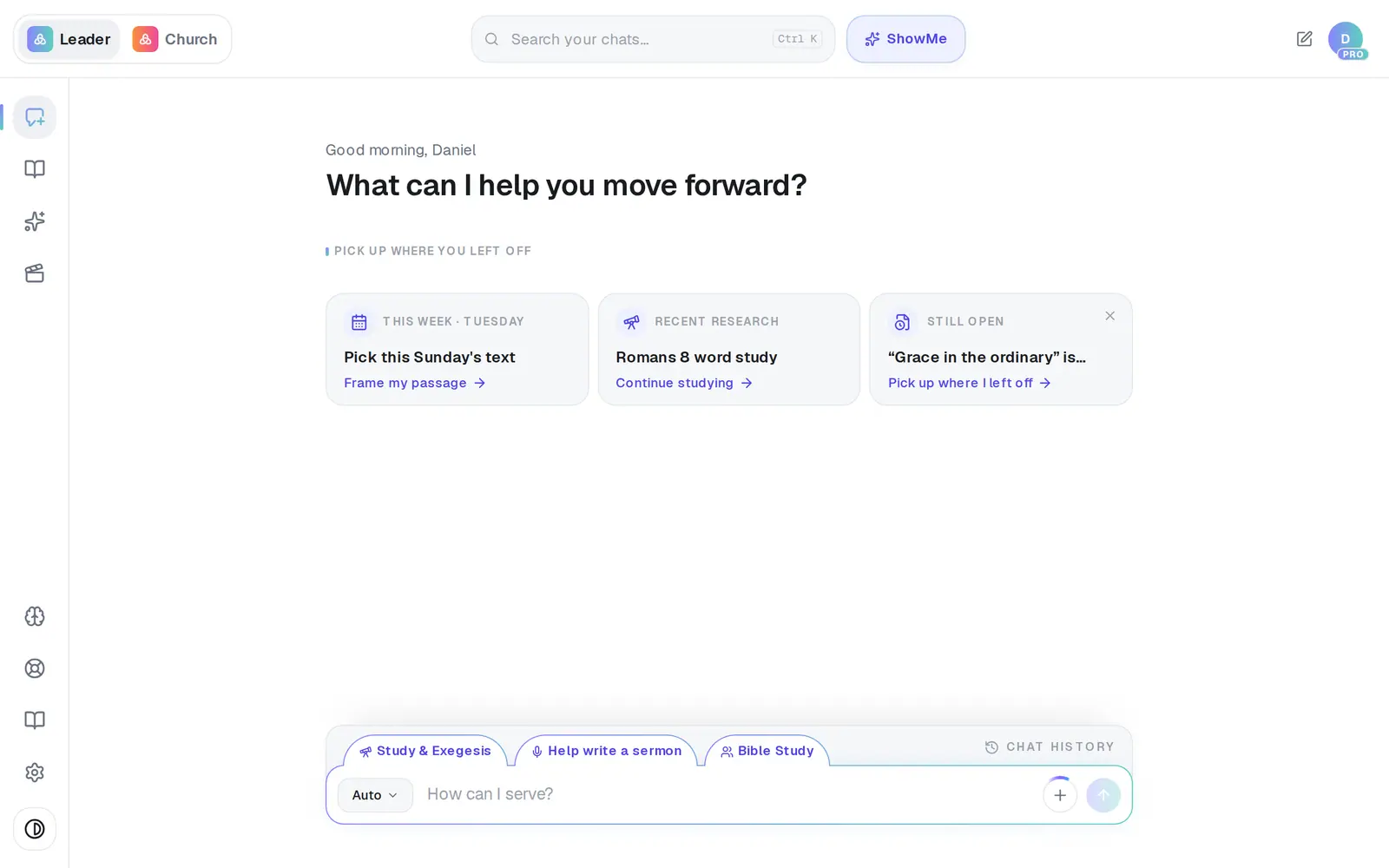
1/5 · Open Assistant from the left rail
Good to know
- Want to answer one? Ask “Draft a reply to Maria about the headcount.” The draft opens for you to check, and nothing sends until you press Send.
- Want your inbox in your morning brief too? Tap Customize brief and switch on Unread inbox.
- “My recent docs” lists your newest files rather than searching for them by name. To find one file, use a distinctive word from its title.
If it’s not working
It says “No email account is connected…”
Connections opens on its Email tab for you. Connect Gmail or Outlook there, and your question finishes by itself once you're back.
“You're all caught up — no recent emails to review.”
Your inbox had nothing recent to summarize. That's all it means.
It lists my emails, but there's no summary on top
The summary couldn't be written this time, so you get the plain list instead. Ask again in a moment for the summary.
“I didn't find any matching files in your Drive.”
No file name matched the words you used. Try one distinctive word from the title, or ask for your most recent files.
My assistant answers with a message that starts with “Google” or “Microsoft” and a number
That's your mail provider saying the connection needs renewing. In your Assistant, open Connections, press Disconnect on the Email tab, then Connect again.
Next, you might want to
- Connect your email and calendarLink Gmail or Outlook so your assistant can read your calendar, draft email from your own mailbox and find your files — or share only your calendar.
- Have your assistant write and send an emailTell your assistant who it's for and what to say, check the draft it writes in your voice, and send it from your own mailbox.
- Get a daily brief every morningTurn on a short morning summary of your calendar, to-dos and church numbers, and choose what goes in it.