Choose what your staff can do
Your worship leader doesn't need the sermon writer, and maybe you'd rather only you added to the Church Brain. Everything about what your staff can do lives on one tab in Settings, and every change takes effect straight away.
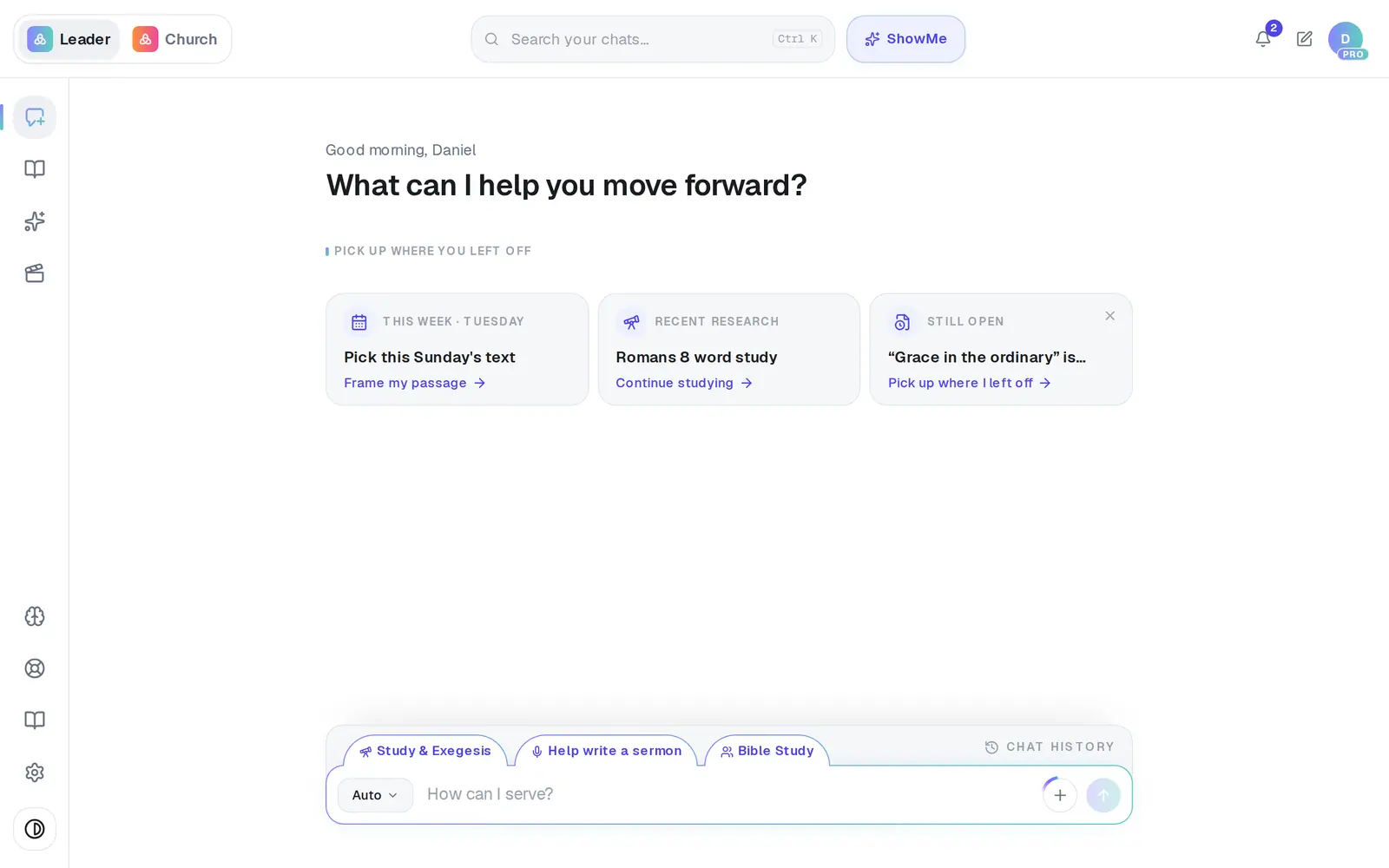
1/7 · Open Settings from the gear at the bottom of the left rail
Good to know
- Staff never see the Staff or Billing tabs, and their church name, tradition and role are greyed out in General.
- A staff member can't change their own position. If they're missing a kind of writing they need, change it for them here.
- Pending invitations have the same position menu, so you can fix a position before they even accept.
If it’s not working
My staff member says the sermon writer is missing from their menu
That's their position at work. Give them a position that includes sermons, such as Associate Pastor or Teaching Pastor, and ask them to reload the page.
My youth pastor doesn't have a Brain button
Let staff add to the Brain is off. Turn it back on here and the Brain returns to their menu.
The switch flipped back and says “Couldn't save. Please try again.”
The change didn't stick, so nothing changed. Try again in a moment.
I don't see the Church Brain switches
They come with Pro, so on the free plan they don't appear. Positions and removing someone work on any plan.
I removed someone by mistake
Invite them again from the same tab. Their account and their own work are still there, so they're back as soon as they accept.
Next, you might want to
- Give your staff their own loginInvite an associate pastor, assistant or comms person, and resend or cancel an invitation.
- Keep your church's information privateWhat stays private to you, what your staff can see, and the privacy switches you control.
- Get back in when your access is pausedFor staff: what the paused screen means, and how to ask your pastor to turn your seat back on.