Choose which Bible translation Aligned quotes
Your people have their Bibles open on Sunday, and the verses in your draft should read the way theirs do. Choose your church's translation once, and Aligned quotes from it in every sermon, study and answer.
About 1 minute Works on the free planUpdated September 29, 2026
aligned.church/leader
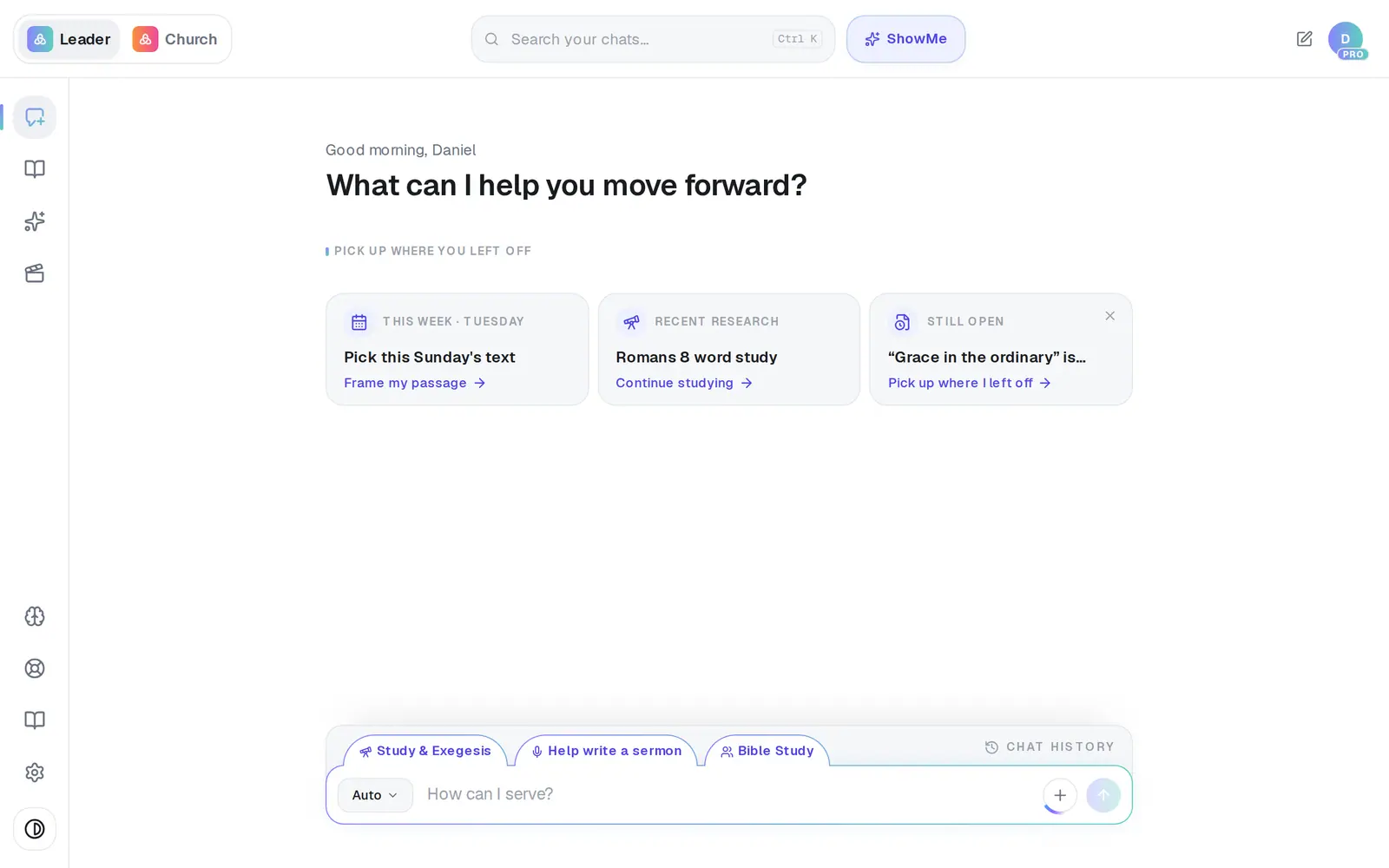
1/4 · Open Settings
Before you start: Translations are set for the whole church, so only the church's owner — the person who set up the account — can save a change.
Good to know
- You can only star a translation you've ticked — tick it first, then its star comes alive.
- The small badges at the top of a reply include the translation it used, so you can check at a glance.
If it’s not working
ESV and NIV say License pending
We're working on securing a license for that translation. Until then neither one can be starred, and a church that already had one starred gets its verses in the NKJV. If you'd rather choose the stand-in, star the NKJV or the CSB.
I can't untick a translation
At least one translation always stays ticked. Tick the one you want first, then untick the other.
It says “Only a church owner can update church settings.”
You're on a staff seat. Translations belong to the whole church, so ask your church's owner to change them in Settings → General.
Did this help?