Set the tradition Aligned writes from
An answer that reads like it came from a church down the road isn't much help on Sunday. Your tradition is where Aligned starts every sermon, study and answer. Setting it takes a minute, and you can change it again any time.
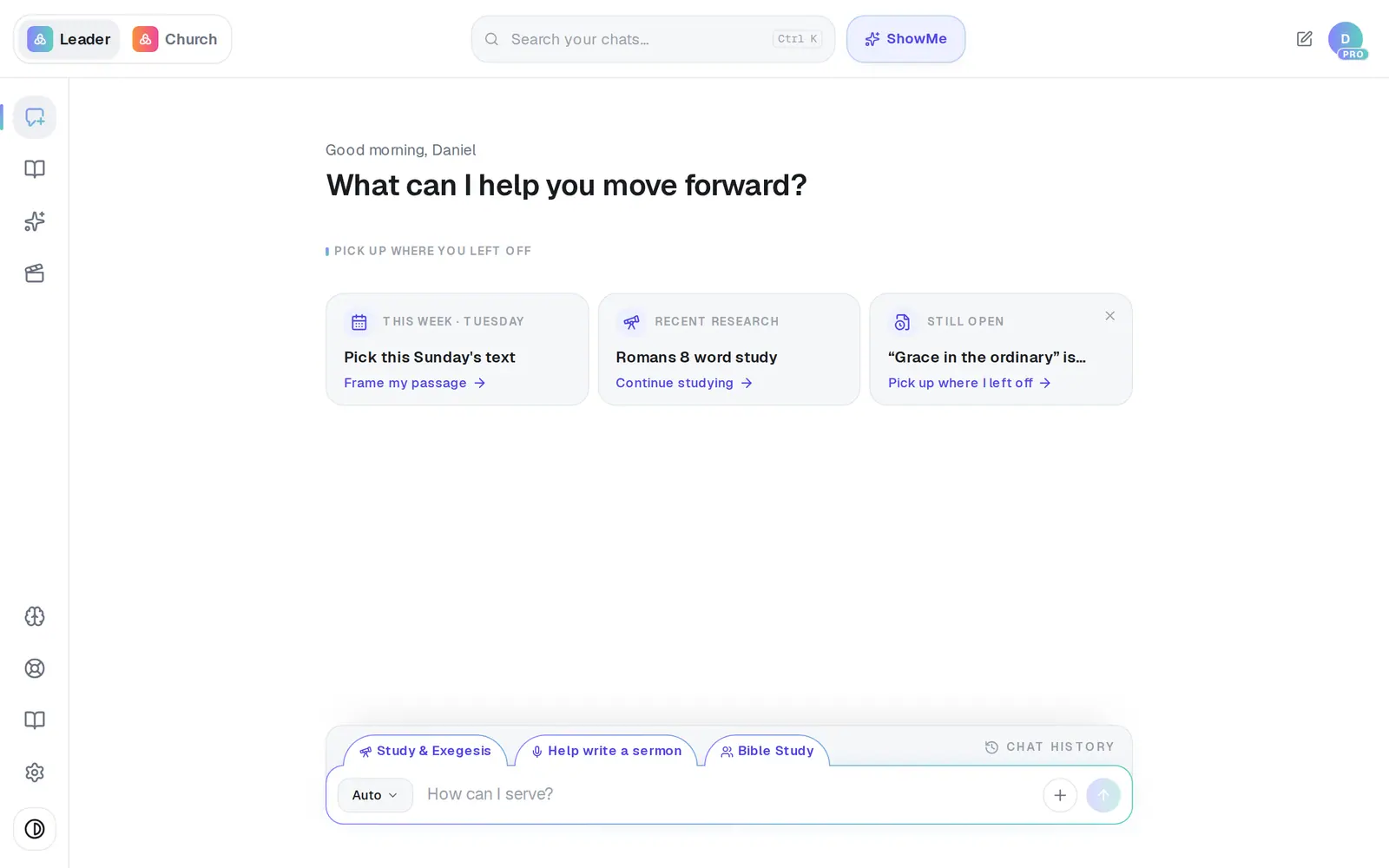
1/4 · Open Settings
Good to know
- The tradition is a starting point. Once your statement of faith is in Brain → Documents, your church's own position leads over the tradition on every topic it covers.
- You can still ask how another tradition reads a passage — “How would a Reformed pastor read Romans 9?” — and Aligned answers with that tradition's view, labeled as theirs rather than yours.
- Where nothing you've given Aligned settles a contested question, it lays out the main views instead of inventing a position for your church.
- The first badge at the top of a reply names the tradition it was written from.
If it’s not working
My church's tradition isn't in the list
Pick the closest foundation, then add your statement of faith and your sermons to the Church Brain. They're how Aligned learns what makes your church different. You can tell us which tradition you'd like to see in Settings → Feedback.
Tapping a tradition does nothing, or it says “Only a church owner can update church settings.”
You're on a staff seat. The tradition belongs to the whole church, so ask your church's owner to change it in Settings → General.
We belong to more than one tradition
There's one choice on purpose. Pick the tradition your theology is rooted in, then add your statement of faith under Brain → Documents. That's where your church's distinctives live, and they lead over the tradition you picked.
Answers still don't sound like our church
The tradition only sets the starting point. Your statement of faith, your sermons and a scan of your website teach Aligned the rest — the Church Brain strength meter in Brain shows what's still missing.
Next, you might want to
- Upload your statement of faith and documentsAdd your beliefs, policies and manuscripts so Aligned draws on them, and choose which ones your website may quote.
- Choose which Bible translation Aligned quotesPick the translation Aligned quotes from, and the ones it shows beside it for comparing.
- Make Aligned sound like youGive Aligned your website and your sermons so every draft sounds like you and believes what your church believes.
- See where an answer came fromCheck whether an answer drew on your church's documents and sermons, and what the badges on a reply mean.