Get a better answer from Aligned
The first answer isn't always the one you need — too thin, too long, not quite your tone. You don't have to start over or retype anything. Tell Aligned what missed and it tries again, and what you tell it shapes how it writes for you from then on.
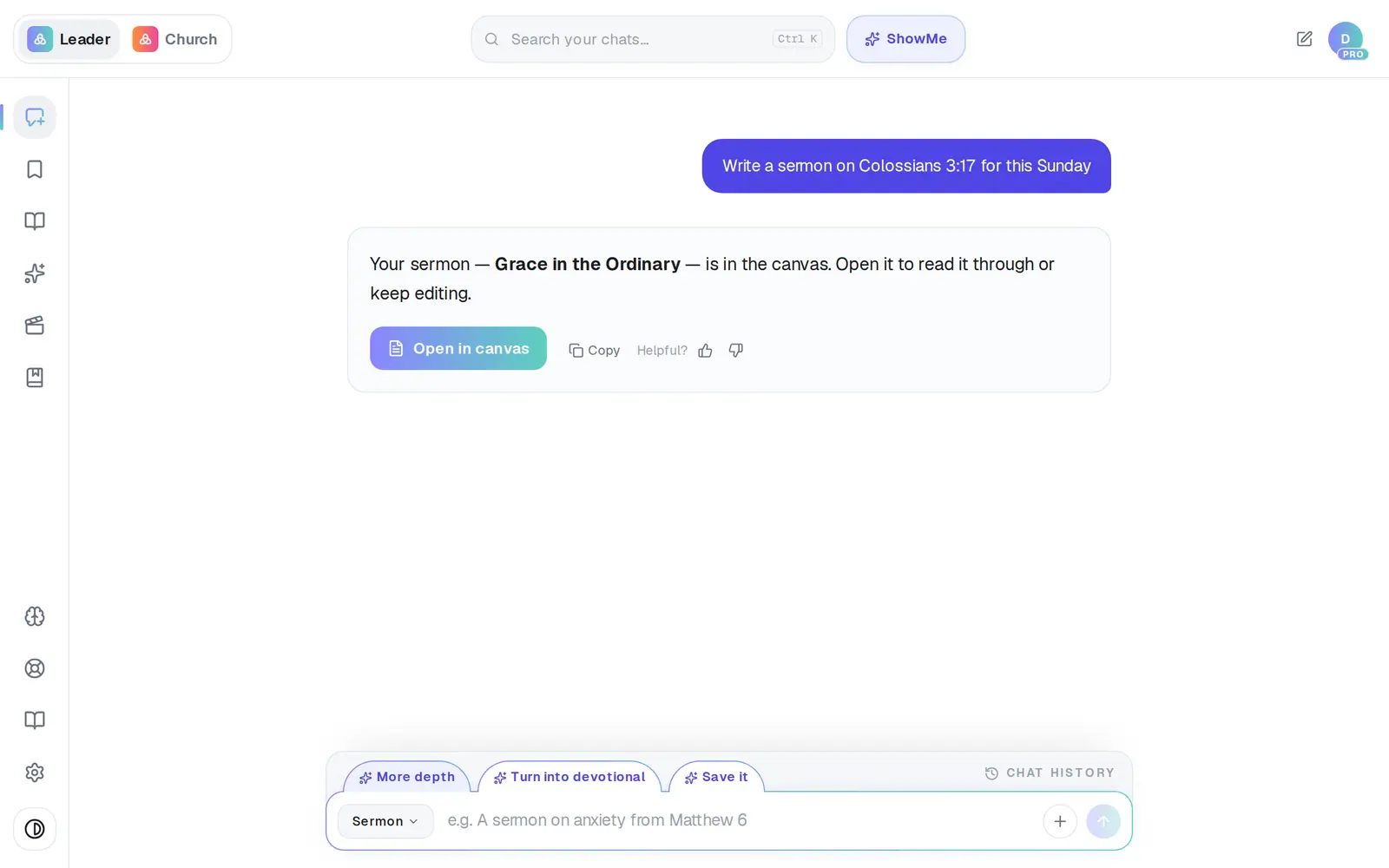
1/5 · Click the thumbs-down beside Helpful? under the reply
Good to know
- Want one piece a certain length? Put the number in the request — “keep it under 300 words”. A length you ask for wins over everything else.
- Regenerate and More depth each count as a new request. Pro Thinking doesn't double anything — a turn that thinks is still one request.
- The How's this draft? thumbs under an open document record what missed, too. To get a new version, use the thumbs under the reply in the chat — that's where Regenerate is.
If it’s not working
I can't find a Regenerate button
There isn't a separate one — it's inside the thumbs-down panel. Click the thumbs-down under the reply, then Regenerate at the bottom-left of the panel. It's there once you've signed in.
More depth just sits there
It thinks before it writes, and the note under the reply says so: Thinking it through — a deeper draft takes a minute or two… Leave it; the rewrite fills in by itself.
It says “That didn't save — tap Done to try again.”
Your feedback didn't reach us. Click Done again.
There's no Pro Thinking in my + menu
It's in regular chats once you're signed in. In the Assistant, and before you've made an account, the + menu has Upload a photo or document and Record voice only.
Next, you might want to
- Ask Aligned to improve your draftAsk for a stronger application, more Scripture or an illustration, and watch the draft change in place.
- Undo a change or get an earlier draft backStep back one change, restore an earlier version, or clear the canvas and start over.
- Make every sermon come out your waySet your preaching approach, structure, length and tone once, so every sermon draft follows it.
- Get an answer that stopped or failedWhat to do when a reply cuts off, errors or stalls — and how to stop one that's going the wrong way.