Get your sermon into Word or Google Docs
Maybe your worship team works in Google Docs, or you like to do the final polish in Word. Either way, the Export button at the top of the canvas hands your draft over with its headings and lists intact.
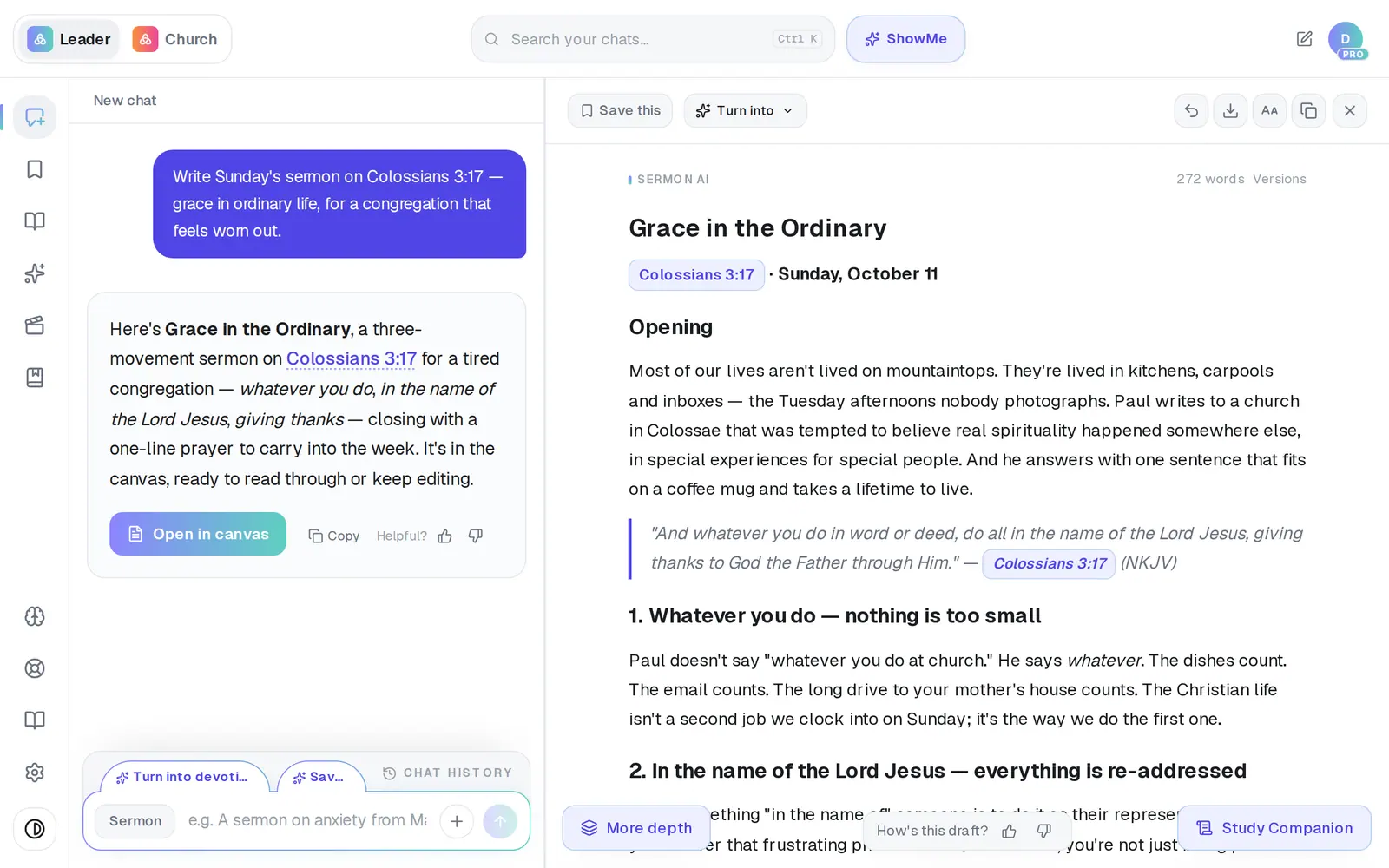
1/4 · Tap Export at the top of the canvas
Good to know
- The Word file is named after your draft's title.
- On your very first draft you may see a Download .docx button in the canvas header as well — it gives you the same Word file.
- There's no PowerPoint export. For slides, copy the parts you need with the Copy button and paste them in.
If it’s not working
Google says “This app hasn't been verified by Google”
Everyone connecting Google sees this page, and nothing is wrong with your account or browser. Tap Advanced at the bottom left, then the “Go to …” link that appears under it, then Allow.
It still says “Connect Google to create a Doc” after I connected Google
Tap it anyway. Connections opens and shows Gmail as Connected — press Done, then tap Export again, and Google Doc is there.
My church uses Outlook, not Google
The Google Doc option needs a Google account. Choose Word (.docx) instead — the file opens in Word.
There's no Google Docs option in the menu
It's there for signed-in accounts. If you're trying Aligned without an account, the menu offers PDF and Word (.docx).
It says “Couldn't create the Google Doc. Please try again.”
Give it a moment and choose Google Doc again. If Connections opens instead, Google needs connecting again from its Email tab. If it keeps failing, message Support.
I can't find the Word file I downloaded
It's on your device, not in Aligned — exported files never appear in Saved Work. On a computer, look in your Downloads folder. In the phone apps it's kept only if you picked somewhere in the share sheet, like Save to Files; closing the sheet saves nothing, so tap Export again.
Next, you might want to
- Print your sermon or save it as a PDFPrint your manuscript or save a PDF on a computer or phone, and know where the file ends up.
- Copy your sermon into Word or an emailCopy a whole draft, one answer, or last week's sermon straight from your chat list — formatting and all.
- Download your work before you leaveTake your sermons and drafts with you as Word files, PDFs or Google Docs, one item at a time.
- Connect your email and calendarLink Gmail or Outlook so your assistant can read your calendar, draft email from your own mailbox and find your files — or share only your calendar.