Reset your password
It happens to everyone, usually right before you need a draft. A reset link by email lets you choose a new password in a couple of minutes — and if the email is slow to arrive, a one-time code gets you in without any password at all.
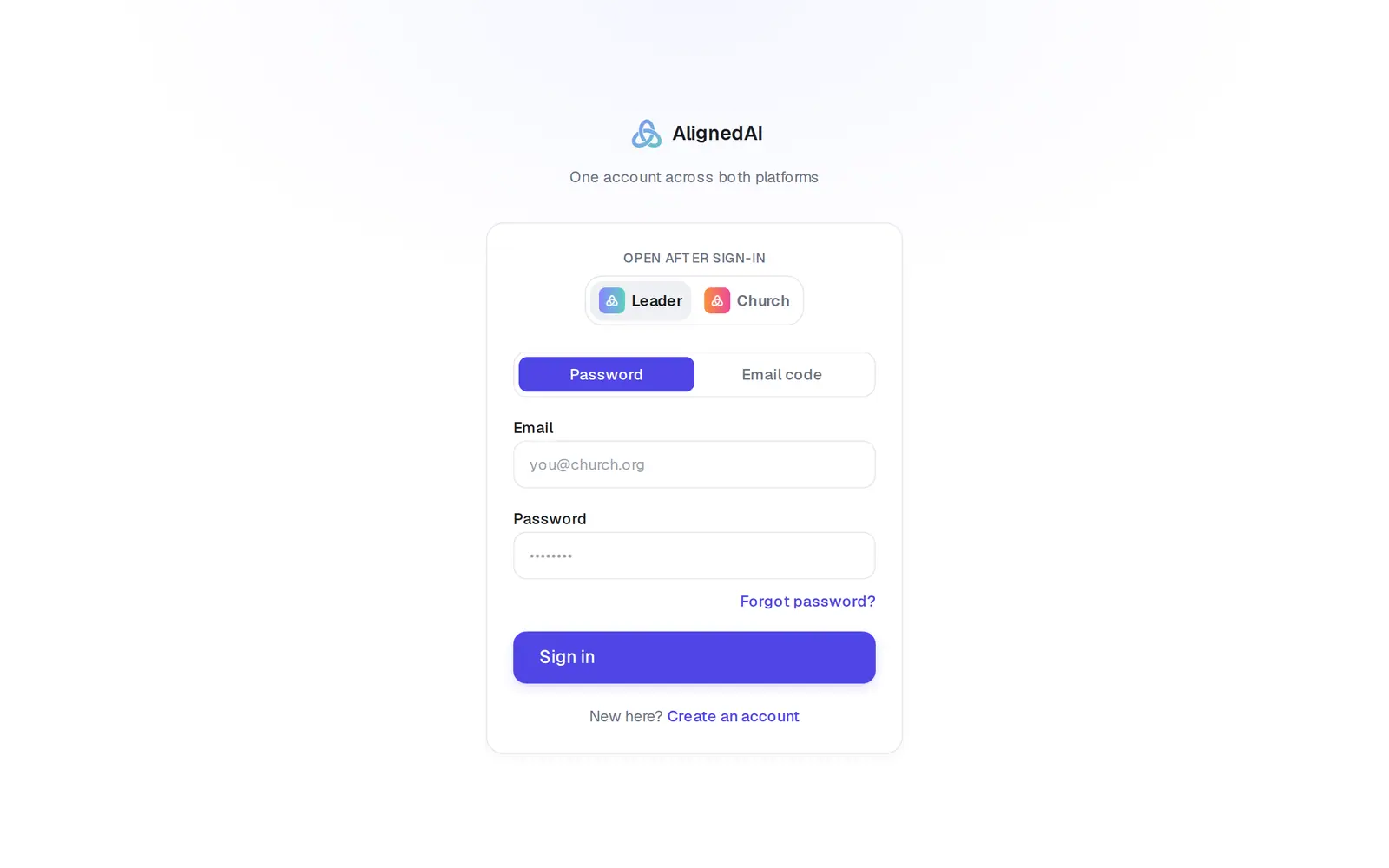
1/5 · On aligned.church/login, tap Forgot password?
- 4Open the link in the emailIt opens Choose a new password.
Good to know
- Once you're in with an email code, you don't have to reset anything — you can keep signing in with codes.
- The sign-in box inside the app has Forgot password? too. For an email code, go to aligned.church/login.
If it’s not working
It says “This reset link is invalid or has expired.”
The link was already used, or it's too old. Go back to the sign-in page and ask for a new one.
The link dropped me on the plain sign-in page
That's the same problem: the link didn't work. Ask for a fresh reset link, or sign in with Email code.
The reset email never came
Check spam first. Only 3 reset emails go out per address per hour, and the screen can't tell you whether an account exists, so if nothing arrives, use Email code. Once you type in the code it sends, it either signs you in or tells you there's no account at that address.
It says “Password must be at least 8 characters.” or “Passwords do not match.”
Make the new password at least 8 characters long, and type exactly the same thing in both boxes.
Email code says “We couldn't sign you in. If you don't have an account yet, create one first.”
There's no account at that address. Try the other addresses you use — Find chats that went missing helps if you think you signed up twice.
Next, you might want to
- Sign in to AlignedSign in with your password or an email code, pick which app opens, and sign out when you're done.
- Change the email you sign in withMove your account to a new email address in about a minute, without losing anything.
- Find chats that went missingIf your chats and sermons seem gone, you may have two accounts — here's how to check and get it sorted.