Find chats that went missing
You signed in and everything you built is gone — the chats, the sermons, the Church Brain — and the screen looks brand new. Almost always nothing is lost: it's sitting in a second account made with a different email. Here's how to tell which account you're in, and how to get it put right.
About 5 minutes Works on the free planUpdated September 29, 2026
aligned.church/leader
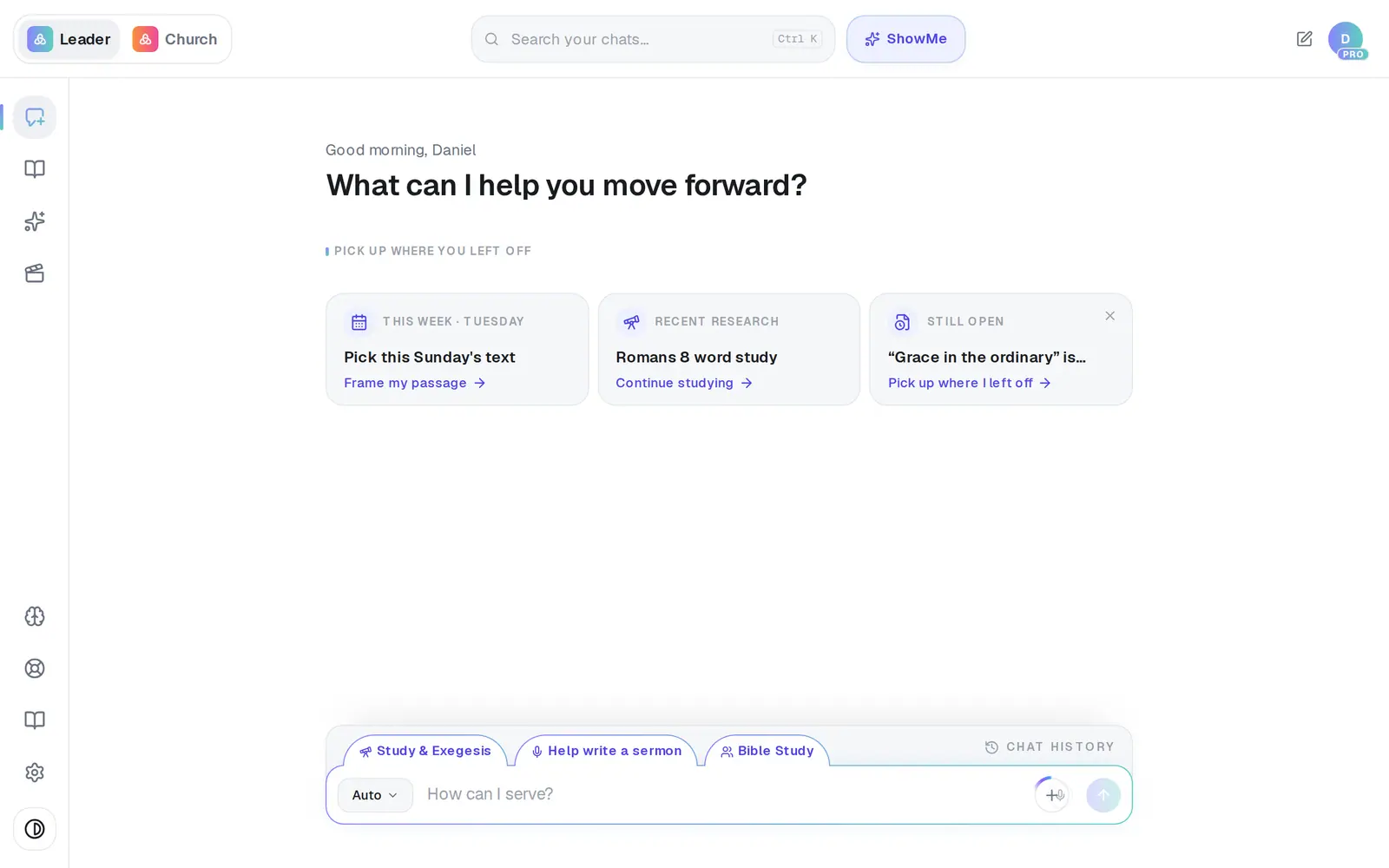
1/6 · Open Settings from the gear at the bottom of the left rail
Good to know
- Check which inbox your Pro receipts and welcome email went to. That address is the account that's paying.
- Chatted before you made an account? That work moved into whichever account you created next.
- Don't delete either account while you sort this out. Deleting removes the work rather than moving it, and the one you'd delete may be the one holding it.
If it’s not working
Signing up with my usual address says “An account with this email already exists.”
That's your original account, so sign in instead of creating another. Email code on the sign-in page gets you in without the password.
I tried to change my email to my other address and it says it's already on another account
That's the other account holding the address. Message Support first; once a person frees it up, you can move your sign-in over.
We pay for Pro, but this account says Free
You're probably in the second account, which starts on the free plan. Sign in with the address your receipts go to.
Did this help?
Next, you might want to
- Sign in to AlignedSign in with your password or an email code, pick which app opens, and sign out when you're done.
- Reset your passwordGet a reset link, choose a new password, or sign in with an email code instead.
- Change the email you sign in withMove your account to a new email address in about a minute, without losing anything.
- Get help from a real personMessage the Aligned team, send a feature idea or bug report, and know what happens after you send.