Change the email you sign in with
You're leaving a personal address behind, or the church changed its domain. You can move your sign-in to a new address yourself: a code sent to the new inbox proves it's yours, and everything else — your password, chats, sermons, staff and plan — stays exactly as it is.
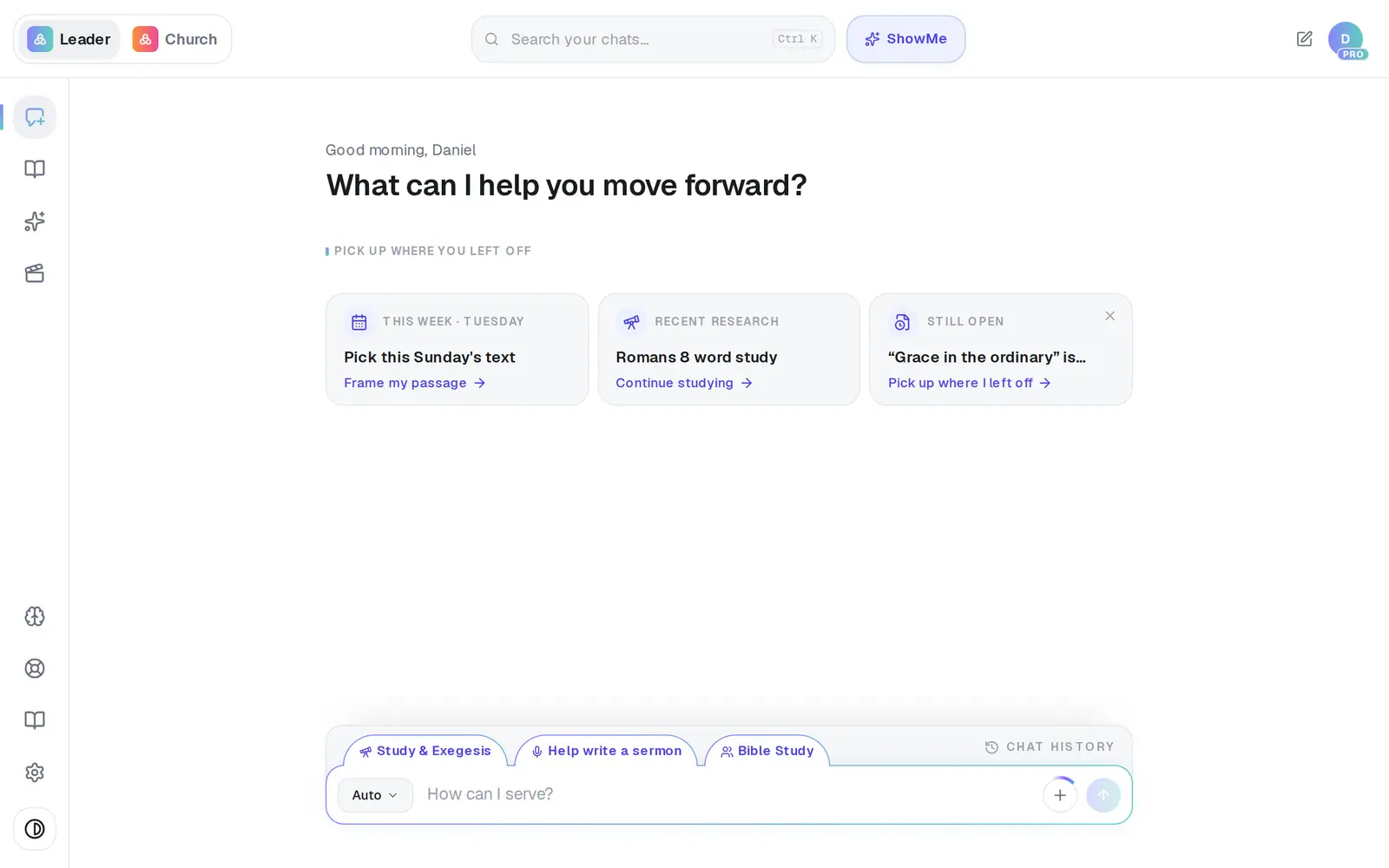
1/7 · Open Settings from the gear at the bottom of the left rail
Good to know
- Staff can change their own sign-in email too — it doesn't need the owner.
- Changing your name in Settings → General doesn't touch your sign-in email, and changing your email doesn't touch your name.
If it’s not working
It says “That email address is already on another AlignedAI account.”
Someone — often you, from a second signup — already has an account at that address, and it can't be taken over from here. Message Support with both addresses and we'll free it up. Don't delete either account first.
It says “We can't deliver email to that address”
Mail to that address bounced before or was marked as spam, so a code couldn't reach it. Try a different address, or ask Support to look into that mailbox.
The code never arrived
Check the new inbox's spam folder, and wait a minute before asking again — only one code goes out per minute. If you mistyped the address, press Use a different address and start over.
It says “This account's email is managed by the AlignedAI team.”
A few accounts are set up by our team and can't change their own address. Message Support and a person will change it for you.
My receipts still go to my old address
Now and then the sign-in moves but the mailing list doesn't catch up. Tell Support and we'll send receipts to the new address.
Next, you might want to
- Sign in to AlignedSign in with your password or an email code, pick which app opens, and sign out when you're done.
- Find chats that went missingIf your chats and sermons seem gone, you may have two accounts — here's how to check and get it sorted.
- Change your name or your church's nameUpdate the name Aligned calls you, your church's name and your ministry role.
- Reset your passwordGet a reset link, choose a new password, or sign in with an email code instead.