Change your name or your church's name
Aligned greets you by name and writes about your church by name, so it's worth getting both right — maybe you go by a shorter name, or the church recently renamed. All three live in one place in Settings, and they take effect as soon as you save.
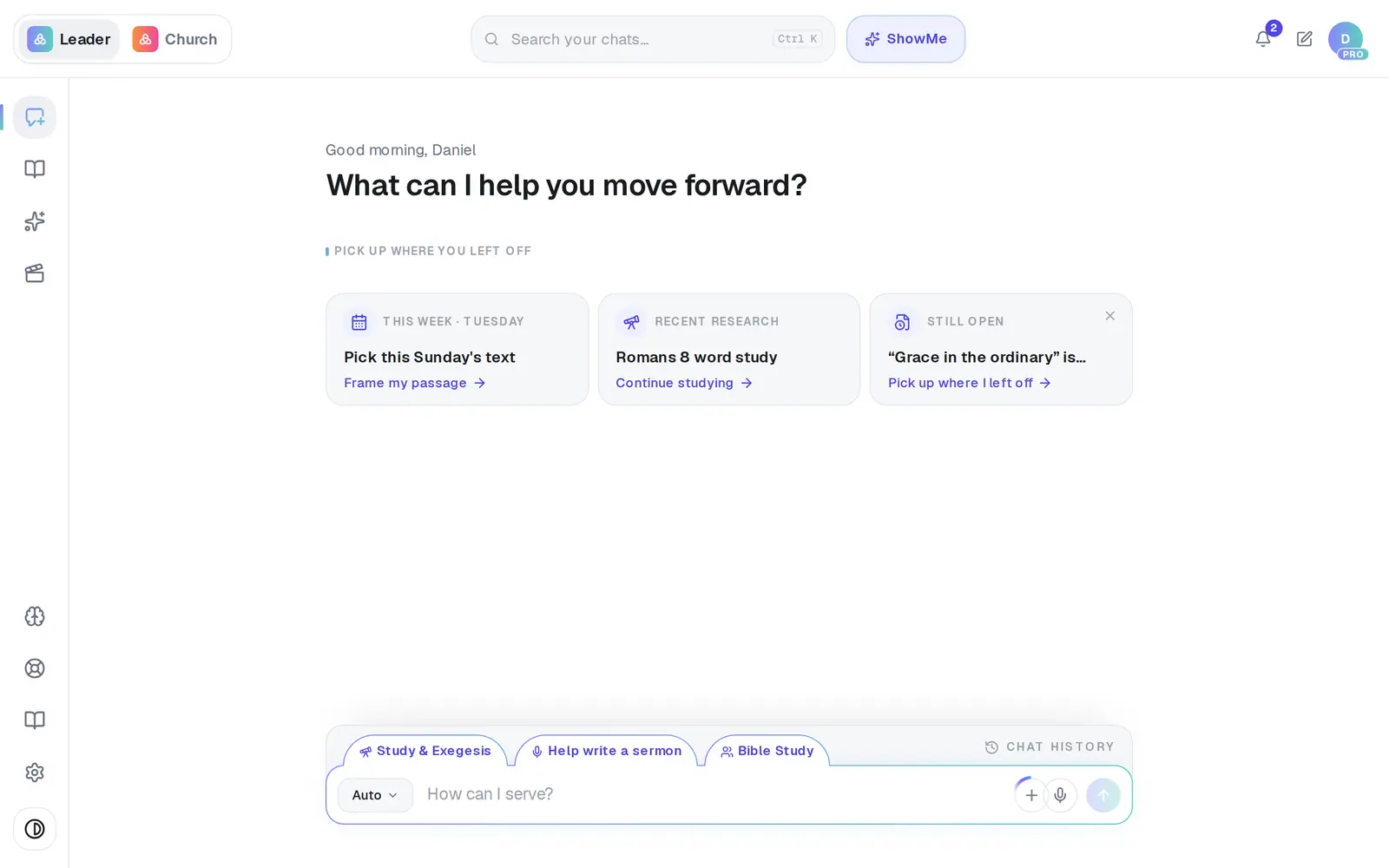
1/5 · Open Settings from the gear at the bottom of the left rail
Good to know
- Doctrine and Bible translations sit on the same General tab and save with the same button.
- Changing the address you sign in with is a separate step, in Settings → Account.
- A staff member's role is set by the owner in Settings → Staff, and it decides which kinds of writing they see in their menu.
If it’s not working
The Church name box is greyed out
Only the church's owner can change it. Staff can still change their own name. Ask whoever set up your church's account to update it.
It says “Your role is set by your church admin.”
You're on the church as staff, and your owner sets your role in Settings → Staff. Ask them if it's wrong.
I'm on staff, and saving my name says “Only a church owner can update church settings.”
Your name was saved anyway — the message is about the church's own settings, which only the owner can change. Close Settings with the ✕ and reload the page, and Aligned uses your new name.
The account needs a new owner
There's no button for handing over ownership, for example when a founding pastor moves on. Message Support and a person will change it.
Next, you might want to
- Change the email you sign in withMove your account to a new email address in about a minute, without losing anything.
- Choose which Bible translation Aligned quotesPick the translation Aligned quotes from, and the ones it shows beside it for comparing.
- Choose what your staff can doSet each person's position, control Brain access, see how your team uses Aligned, or remove someone.