Show your degrees beside your name in Discussions
When pastors talk through a hard question, it helps to know who has studied what. Add your degrees to your Discussions profile and they show beside your username on your messages. Other pastors still see only your username (and your photo, if you've added one), never your name or your church.
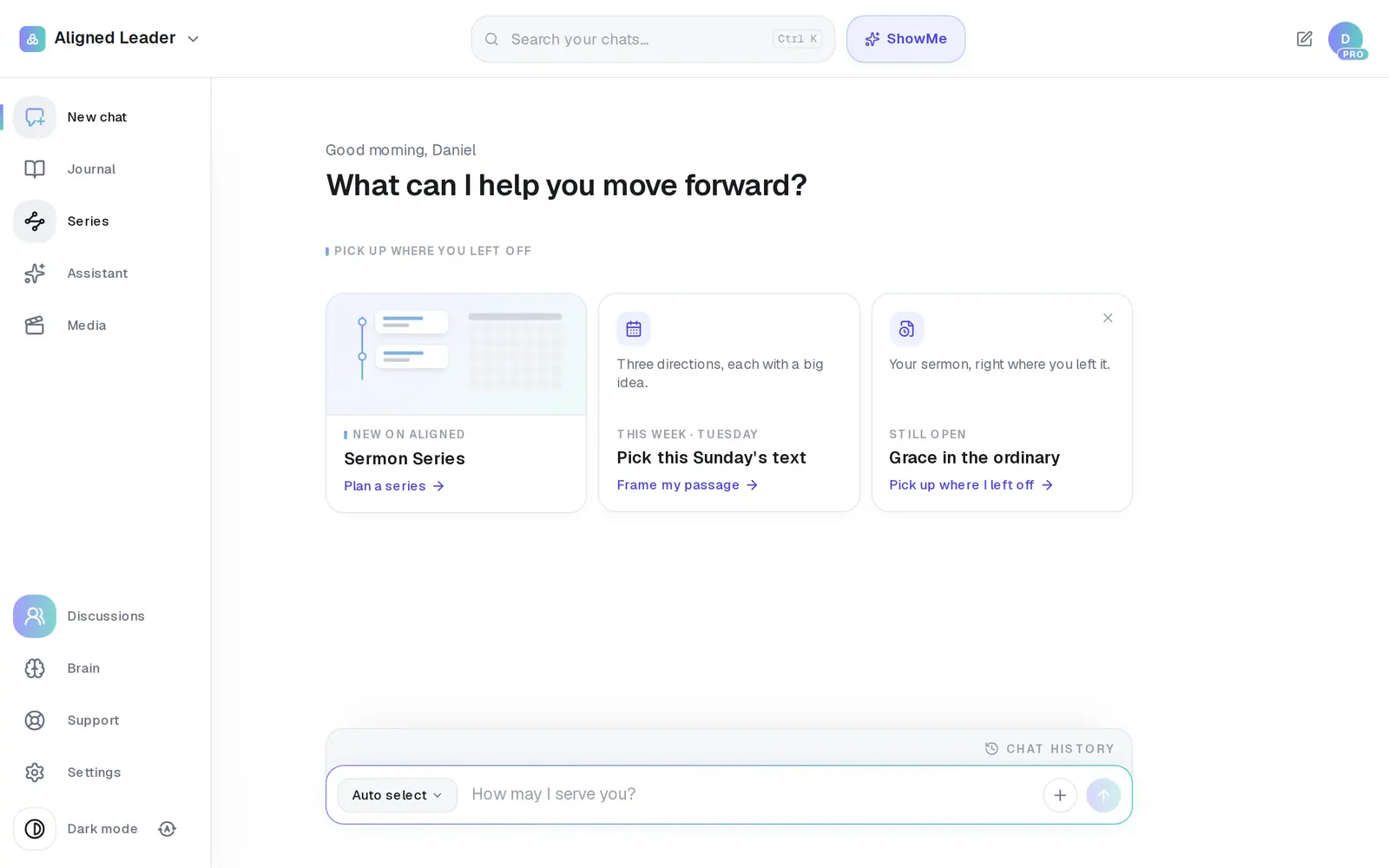
1/6 · Press Discussions on the left menu
Good to know
- To take a degree off, press the pencil again, press the × on its badge, then Save.
- Nothing checks a degree. The badges show what you choose to say about yourself.
If it’s not working
I don't see Discussions on the left menu
Until Sunday, November 22, 2026, at 6 PM Central, it's open only to Aligned Council members and Aligned's team. After then every signed-in leader has it; if it still isn't there, reload the page.
The box says “That's 3 — remove one to add another.”
You've chosen 3, the most a profile shows. Press the × on one of the badges, add the other degree, then press Save.
It says “No degree by that name on the list.”
Only degrees on Aligned's list can be added. Try the short form (MDiv, ThM, DMin, PhD) or one word from the name, like “Ministry” or “Theology”.
Next, you might want to
- Keep your church's information privateWhat stays private to you, what your staff can see, and the privacy switches you control.
- Find your way around AlignedWhere chat, Brain, Media, Assistant, Saved and Settings live on a computer, and what the top bar tells you.
- Find your way around on your phoneThe bar along the bottom, the More menu and its search — where everything in Aligned lives on a phone.