Tag a discussion question in your message
Someone in the chat is wrestling with something one of the hard questions already covers, and you want to send them there. Tag the question in your message: it shows as a link, and anyone reading can press it to open that question.
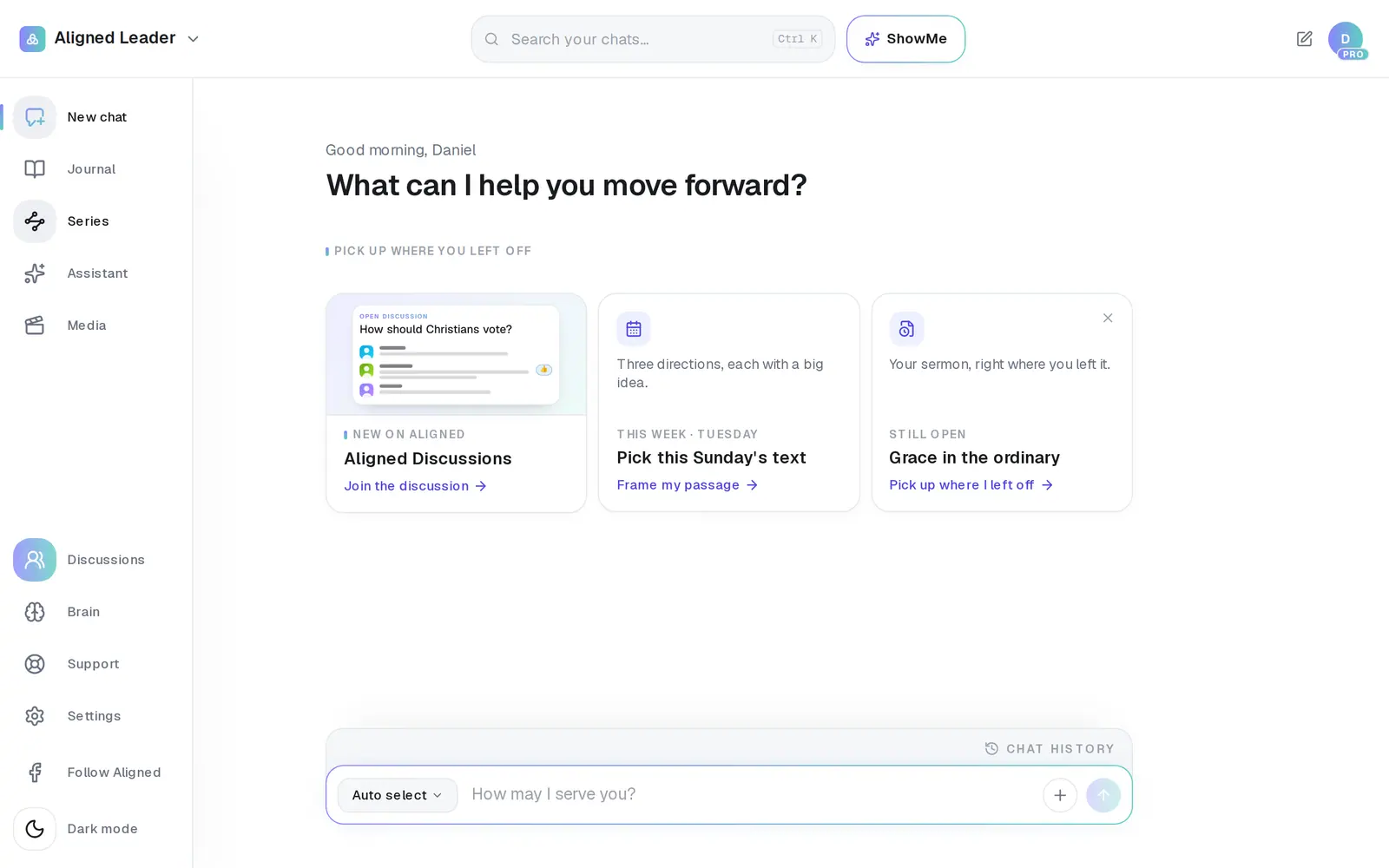
1/6 · Press Discussions on the left menu
Good to know
- You can also type a tag yourself: an @ followed straight away by the question's exact title in square brackets.
If it’s not working
The question I want isn't in the list
Before you type anything after the @, the list shows only a few questions. Type the start of a word from the question right after the @: the more of it you type, the fewer questions match. The discussion you're writing in is never offered.
The pastor I wanted to see it didn't get a notice
Tagging a question tells no one; it's only a link. To let a pastor know, also tag them: pick their username at the top of the same @ list, or type @ and their username. If they can open the chat you're writing in, they get a red number on Discussions and a line in Mentions & replies. A pastor who can't open it (another denomination's room, Aligned Council, or a question's discussion they haven't joined) isn't told, so tag them in General Chat, which every pastor can open.
My tag shows in color but isn't a link
The tag no longer matches a question's title: the question was removed or renamed, or the tag was typed by hand with a difference. If the question is still there, tag it again from the @ list in a new message.
Next, you might want to
- Choose your username and join DiscussionsPick the name other pastors will know you by, and get a free one in one tap when yours is taken.
- Show your degrees beside your name in DiscussionsAdd up to 3 degrees, like an MDiv or a DMin, as green badges beside your username on your messages.
- Find your way around AlignedWhere chat, Brain, Media, Assistant, Saved and Settings live on a computer, and what the top bar tells you.