Choose your username and join Discussions
The first time you open Discussions, it asks for a username before anything else, because it's the only name other pastors see. The box tells you as you type whether a name is free, and when it's taken it offers free names like it, so you're not left guessing.
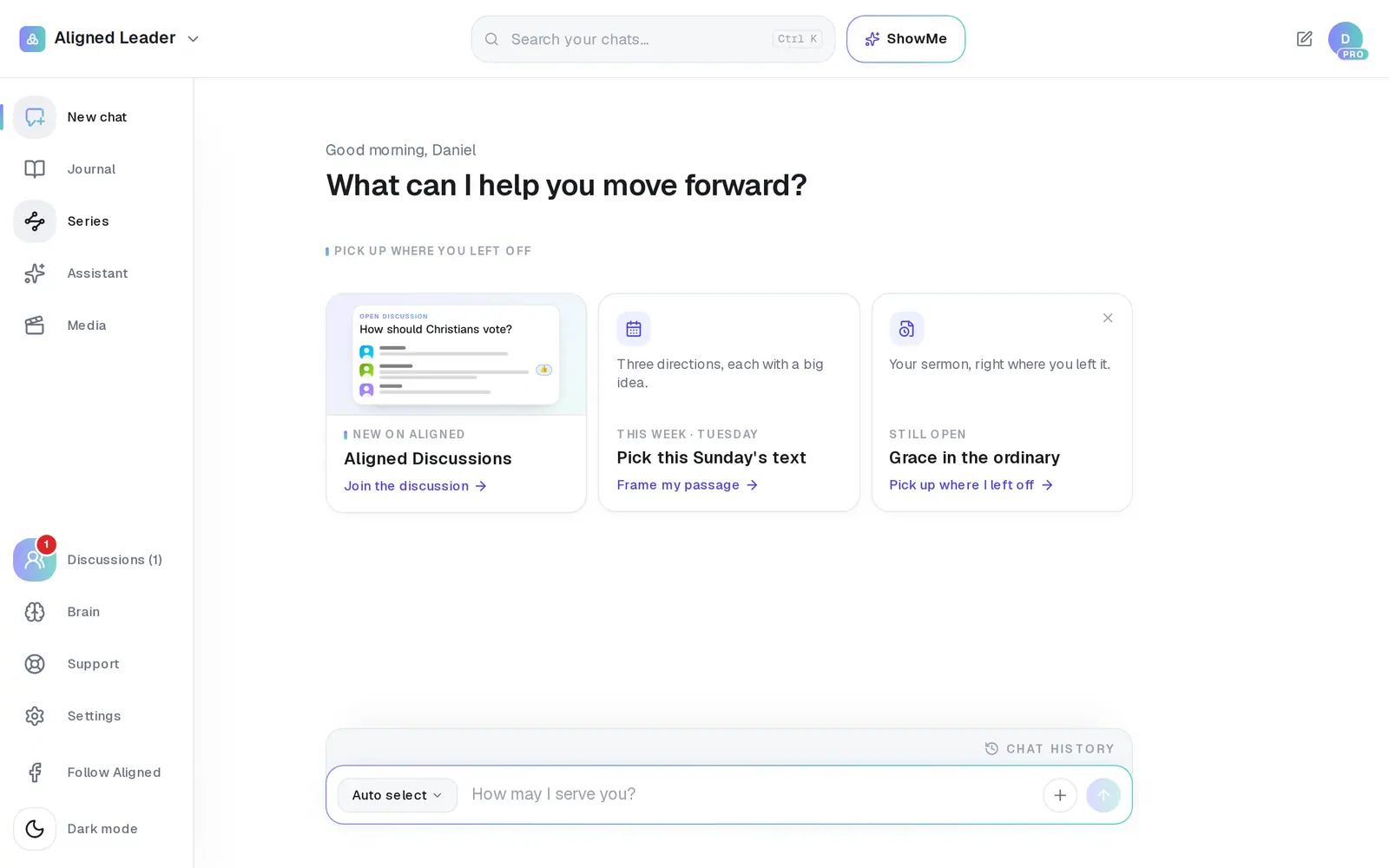
1/5 · Press Discussions on the left menu
Good to know
- Other pastors see your username on your messages and replies, and your photo if you add one later from the pencil. A reaction shows only as a count, with no name on it. They never see your name, your email, your church or your denomination.
- Capitals don't make a name different: if “PastorMike” is taken, so is “pastormike”.
- Two periods or dashes in a row become one, and one at either end is dropped when it saves: “Chris.” saves as “Chris”.
- The welcome card can't be closed, but the left menu still works if you want to go somewhere else first.
If it’s not working
It says “That's an email. Other leaders see your username, so choose a name instead.”
The box saw an email address. Your username is what other pastors see, so choose a name instead; Join Discussions stays greyed out until you do.
It says “That name is reserved. Choose another.”
Names that read as Aligned or as everyone are kept back: anything with “aligned”, “admin”, “moderator” or “official” in it, and names like “support”, “staff”, “team” and “everyone”. Choose a name of your own.
Some of what I typed didn't go in
A username holds only letters, numbers, periods, dashes and underscores, so the box leaves most other characters out as you type. Spaces don't go in. Accents come off, so “José” becomes “Jose”, and the line under the box says “Accents are left off: é is e.” An apostrophe, “&” or an emoji isn't typed, and the line says “Only letters, numbers, periods, dashes and underscores.” An @ stays, so the box can tell you when you've typed an email.
It said “That username is taken. Choose another.” when I pressed Join
Someone else already has that name. Either the box was still checking it (or the check didn't go through) when you pressed Join Discussions, or someone saved the same name a moment before you. Change the name in the box: it checks again as you type, and offers free names when the one you type is taken. Then press Join Discussions again.
I don't see Discussions on the left menu
Every signed-in leader has had it since Sunday, November 22, 2026. If it isn't there, reload the page.
Next, you might want to
- Show your degrees beside your name in DiscussionsAdd up to 3 degrees, like an MDiv or a DMin, as green badges beside your username on your messages.
- Keep your church's information privateWhat stays private to you, what your staff can see, and the privacy switches you control.
- Find your way around AlignedWhere chat, Brain, Media, Assistant, Saved and Settings live on a computer, and what the top bar tells you.
- Find your way around on your phoneThe bar along the bottom, the More menu and its search — where everything in Aligned lives on a phone.