Turn on notifications on your phone
A reminder you asked for is only useful if it reaches you. Aligned doesn't ask to send notifications the moment you open it — it waits until you've finished something, then offers once. Say yes at that moment and your phone does the rest.
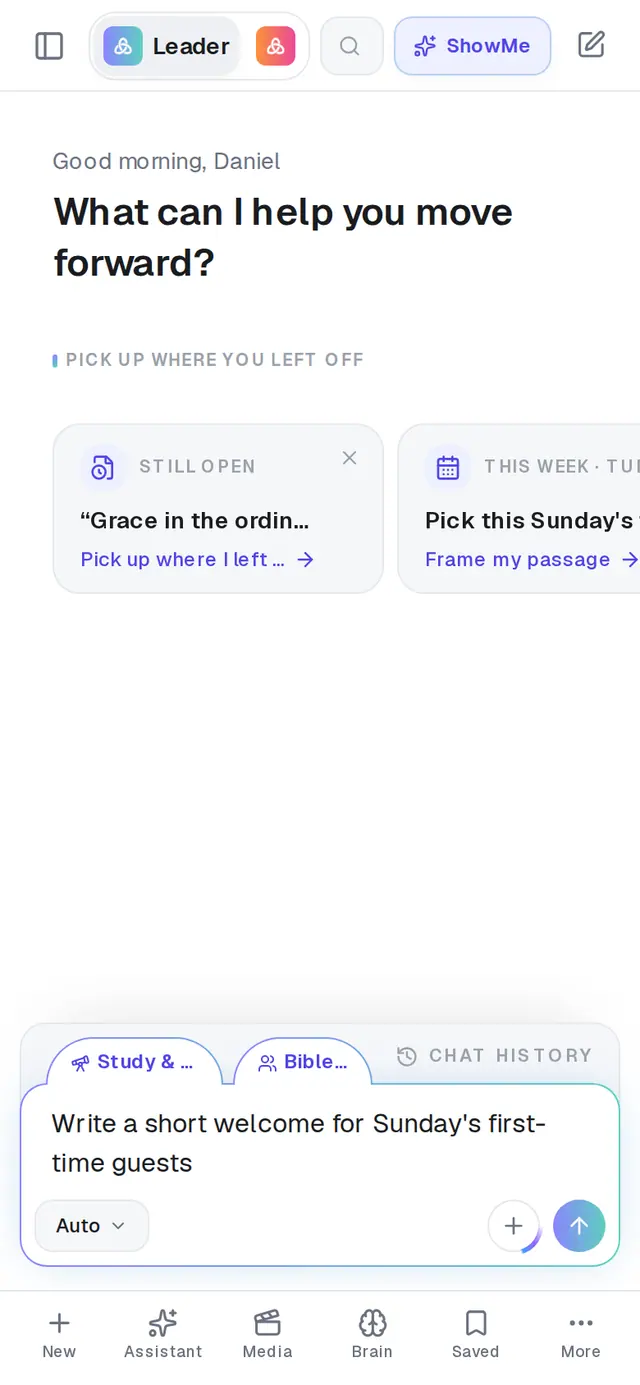
1/2 · Ask Aligned for something and let it finish
- 3Tap Allow when your phone asksOnly now does your phone ask for itself whether AlignedAI can send notifications. On an iPhone this question comes once, so a no there can only be undone in your iPhone's Settings.
Good to know
- No thanks only puts that card away. The reminder card and the daily-brief card still offer notifications when you use those.
- Nothing pops up over the app while it's open in front of you. Notifications arrive when you're somewhere else.
- On a computer, the bell at the top-right of Aligned lists your recent notifications, so you can check whether you missed one. Phones don't have the bell.
If it’s not working
I tapped Don't Allow on my iPhone
Your iPhone only asks once, and Aligned can't ask again from inside the app. Open your iPhone's Settings, scroll down to AlignedAI, tap Notifications and switch on Allow Notifications.
The card never showed up
It only appears inside the App Store or Google Play app, after a piece of work finishes, and only until you've answered it. If notifications are already on, it stays away. Look for AlignedAI in your phone's notification settings — if it's there and switched on, you're set.
Notifications never arrive
Check three things: you're signed in to the app on that phone (notifications go to your account, so a signed-out phone gets nothing), AlignedAI is allowed to notify you in the phone's Settings, and you're not looking at the app when they're sent — they don't pop up over it.
I added Aligned to my home screen from Safari or Chrome
That shortcut looks like the app but can't receive notifications. Install AlignedAI from the App Store or Google Play and sign in there.
Next, you might want to
- Get Aligned on your iPhone or AndroidDownload the app or add a home-screen shortcut, sign in with the same account, and keep it up to date.
- Choose which notifications and emails you getMute a kind of notification, bring it back, stop the weekly sermon emails, and decide on anonymous usage trends.
- Get a daily brief every morningTurn on a short morning summary of your calendar, to-dos and church numbers, and choose what goes in it.
- Set reminders and to-dos with your assistantGet reminded to call, pray or follow up — once or on repeat — and keep a to-do list in Saved Work.