Write a book one chapter at a time
A book is too big to write in one sitting, and it shouldn't have to live in one enormous chat either. Books keeps each chapter in its own draft, gathered under the book it belongs to, so you can write one chapter this week and the next one when you're ready.
About 10 minutes Works on the free planUpdated September 29, 2026
aligned.church/leader
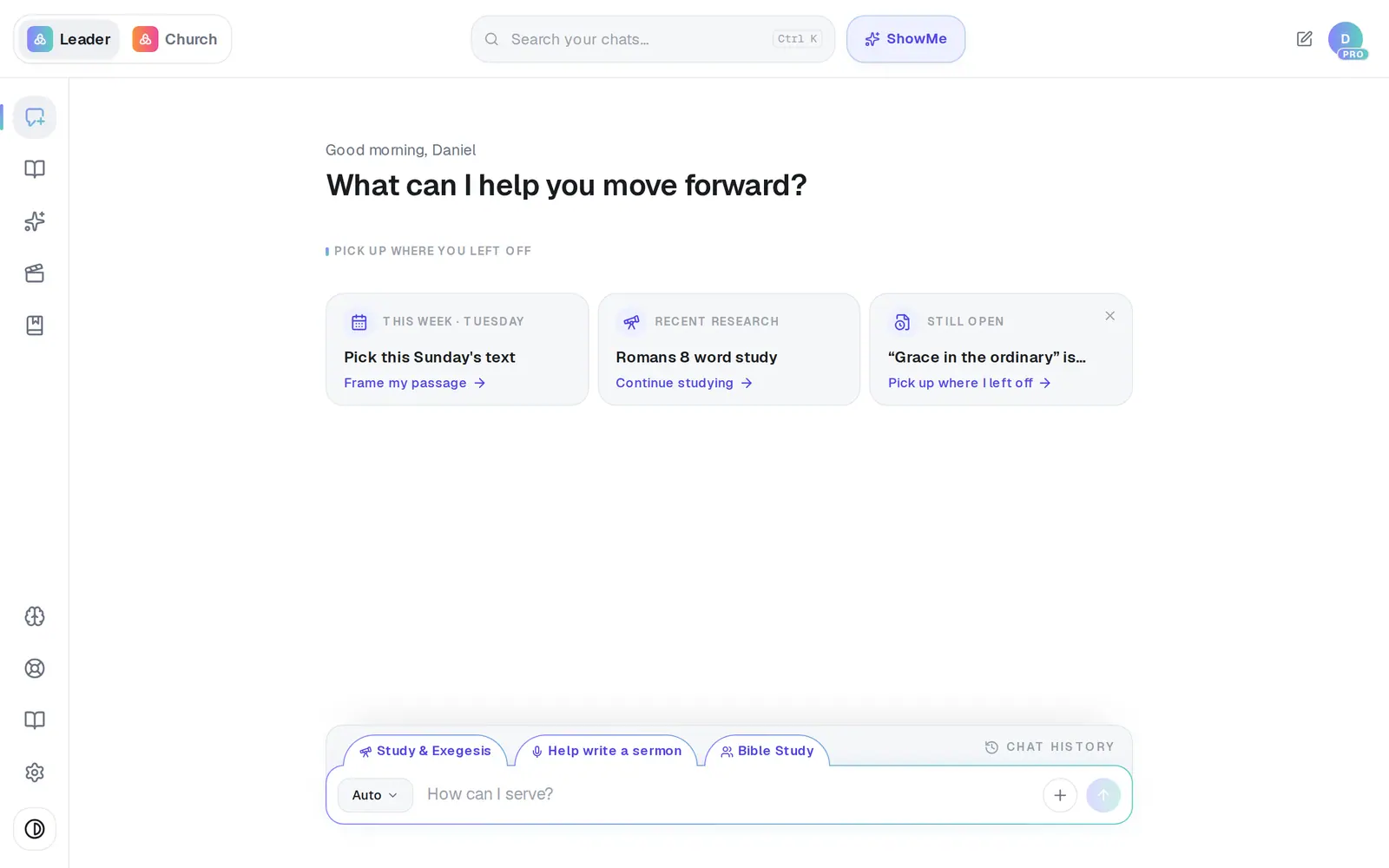
1/7 · Open Books in the left rail
Before you start: The Books icon appears in the left rail once you have a book. No book yet? Use the button at the end of this guide to open My Books, or start one from any finished draft with Turn into → Book / Chapter.
Good to know
- Picking Book / Chapter from the format button on its own writes a chapter but doesn't file it in a book. Start from New chapter, or use Turn into → Book / Chapter on a draft you already have.
- Already written a sermon or journal entry that belongs in the book? Open it, tap Turn into → Book / Chapter, and pick the book from the Add chapter to… list.
- On a computer you can reorder chapters by dragging the grip that appears at the left of a chapter when you hover over it.
- There's no way to export a whole book at once — each chapter exports on its own from its draft.
If it’s not working
I don't see Books anywhere
The Books icon only appears once you have a book. Use the button at the end of this guide to open My Books and tap New book, or turn a draft into a chapter with Turn into → Book / Chapter.
My chapter isn't in my book
It was probably written with Book / Chapter picked from the format button, which doesn't file it anywhere. Open the chapter, tap Turn into → Book / Chapter, and pick the book.
I renamed a chapter and the old name came back
The new name didn't save. Click into Chapter title, type it again and press Enter.
Did this help?
Next, you might want to
- Reorder, move or delete book chaptersKeep your book tidy: put chapters in order, move one to another book, and clear out old drafts.
- Turn your sermon into a devotional or studyUse Turn into to make a devotional, small-group study, kids lesson or social posts from a finished draft.
- Turn journal reflections into a sermonStudy the Scripture behind an entry, then turn one or more entries into a sermon, study or book chapter.