Turn journal reflections into a sermon
Some of your best sermons start as a few honest lines in a journal. The Study Companion digs into the Scripture behind what you wrote without touching your words, and Turn into makes the entry the starting point for a sermon, a devotional, a study or a book chapter.
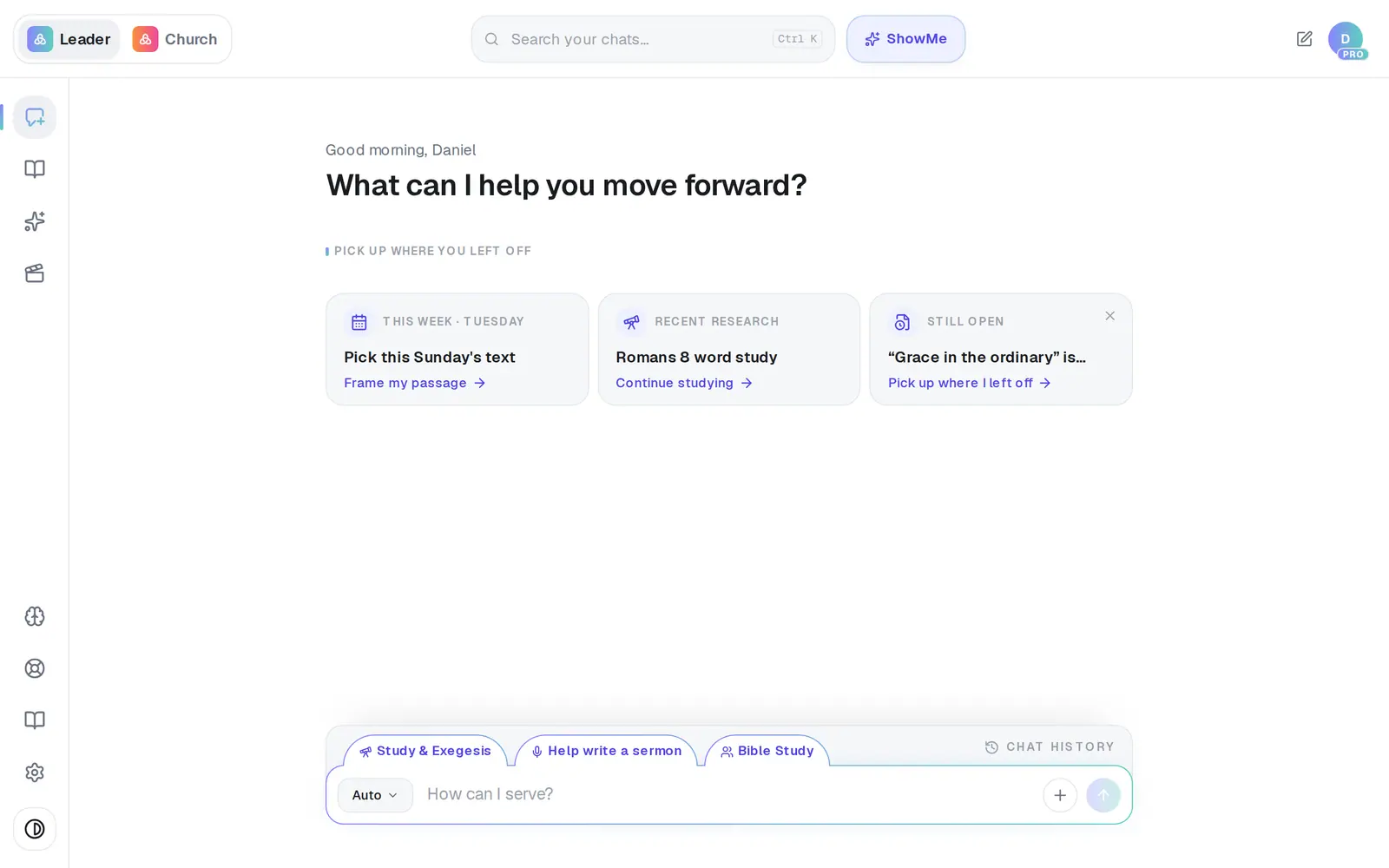
1/7 · Open Journal in the left rail
Good to know
- Several entries can become one draft: tick the box on each entry's card, then tap Turn 2 into (the number matches how many you ticked) in the bar that appears.
- Book / Chapter files the draft in a book: pick one of your books or Add new book.
- Social post writes posts from the entry and opens them for review instead of starting a chat.
- The Study Companion's conversation stays with the entry. Open the entry again later and it's still there.
If it’s not working
I can't find Study Companion on my phone
On a phone, the button sits behind the bar along the bottom of the screen, so it can't be tapped there. Open the entry on a computer to use the Study Companion. Turn into works on a phone as usual.
The companion says “Sorry — … Please try again.”
That answer didn't finish. Ask again in Ask about this entry….
I want an email, not a sermon
Email isn't in Turn into. Turn the entry into a devotional first, then ask in that chat: “write this as an email to our church.”
My entry disappeared after I turned it into a sermon
It's still in your journal. Turn into starts a new chat for the draft; open Journal again to find the entry.
Next, you might want to
- Keep a private journalWrite, dictate or photograph your notes into a journal only you can see.
- Write this Sunday's sermonGo from a passage or topic to a full sermon draft in your tradition, ready to shape.
- Write a book one chapter at a timeStart a book, write its chapters with Aligned, and keep them together in one place.
- Look up the Greek or Hebrew behind a wordOpen a verse Aligned quotes, tap a word, and read the Greek or Hebrew behind it in Strong's.