Write this Sunday's sermon
You have a passage, a hunch about where it's going, and not enough hours before Sunday. Give Aligned the text and the angle you want, and a full draft opens beside the chat — shaped by what your church believes and, once your sermons are in your Brain, by how you preach. It's a first draft for your own study and prayer to work on, not a finished sermon.
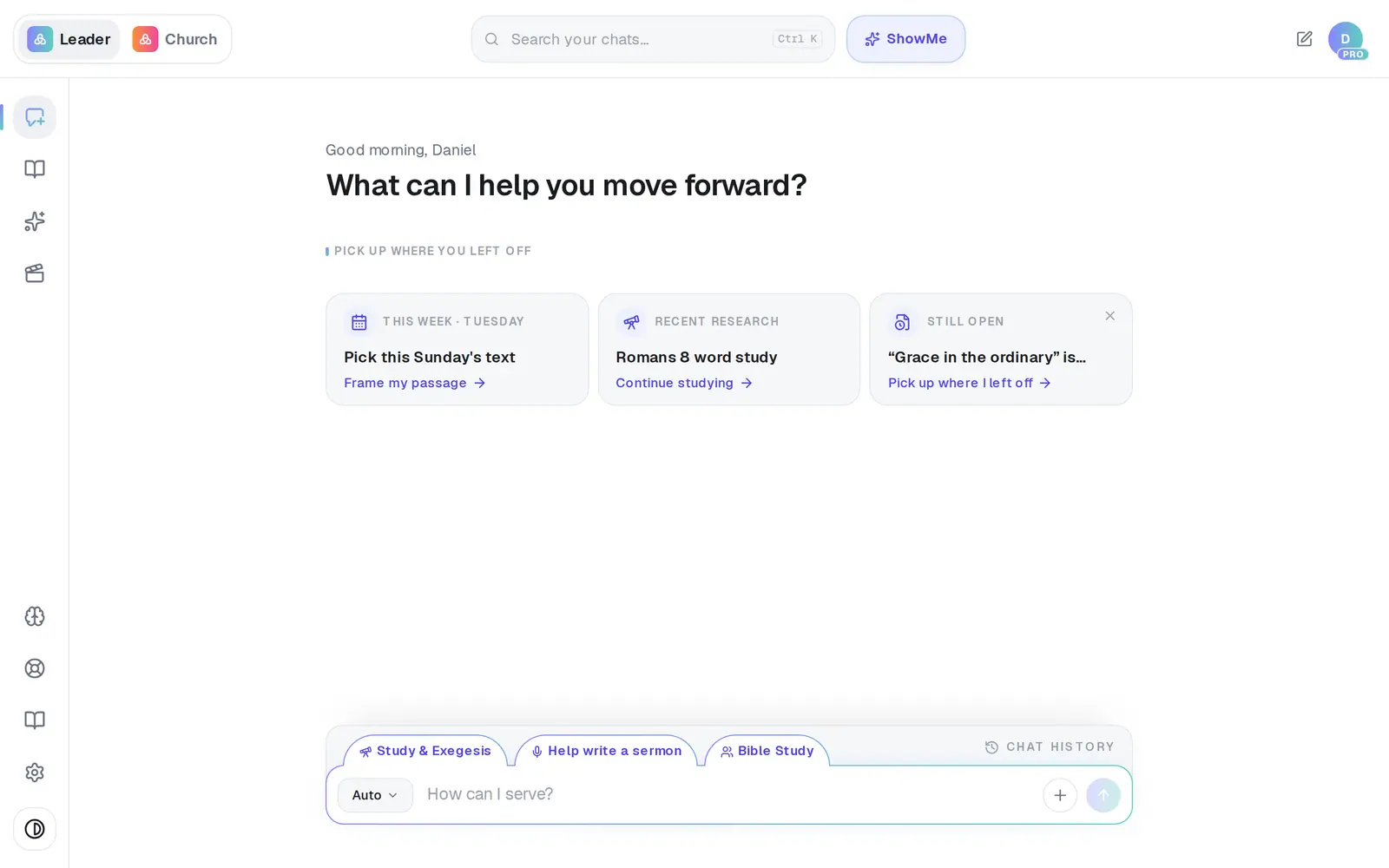
1/6 · Tap the format button at the left of the message box
Good to know
- On a computer, the Help write a sermon tab just above the message box switches to Sermon AI in one tap.
- Your Brain makes the biggest difference. With your church's website, statement of faith and past sermons in it, drafts hold to what you teach and sound more like you.
- Want more substance? Tap More depth at the bottom-left of the draft. It rewrites the sermon with fuller exegesis, more cross-references and firmer application — it thinks for about a minute first, so give it a couple of minutes.
- On a phone the draft fills the whole screen. Tap Back to chat at the top-left to see the conversation again.
If it’s not working
It asked me questions instead of writing
That's the Quick setup card. Tap an answer for each question, or tap Skip, just go to write straight away with whatever you've answered. Keep Save for all future sermons switched on and your answers become your standing preferences, so it asks less next time.
The message box disappeared
A draft is open on top of it. On a computer, close the draft with the X at the top-right of the panel. On a phone, tap Back to chat at the top-left of the draft.
I closed my draft and can't find it
Scroll up the conversation to the draft's card and tap Open in canvas. Opening an old chat from the list doesn't pop its draft open on its own — tapping that card is the way back in.
I asked about a passage and got an answer instead of a sermon
In Auto, a question like “what does ‘abide’ mean in John 15?” gets a study answer, even if you mention that you're preaching it. Choose Sermon AI first, or ask for it in words: “write a sermon on John 15:1–8.”
The format button won't open
It's locked while a draft is open, so a follow-up keeps editing that draft. Close the draft or start a new chat, and the button works again.
Next, you might want to
- Answer or skip the questions before a draftHandle the quick setup card Aligned shows before writing, or tell it to stop asking.
- Ask Aligned to improve your draftAsk for a stronger application, more Scripture or an illustration, and watch the draft change in place.
- Edit your sermon draft yourselfType straight into the draft, make the text bigger, and get back to the chat when you're done.
- Make Aligned sound like youGive Aligned your website and your sermons so every draft sounds like you and believes what your church believes.