Edit your sermon draft yourself
Sometimes it's quicker to fix a line yourself than to explain it. The draft beside the chat is yours to edit like any document — click in and type — and Aligned saves as you go.
About 2 minutes Works on the free planUpdated September 29, 2026
aligned.church/leader
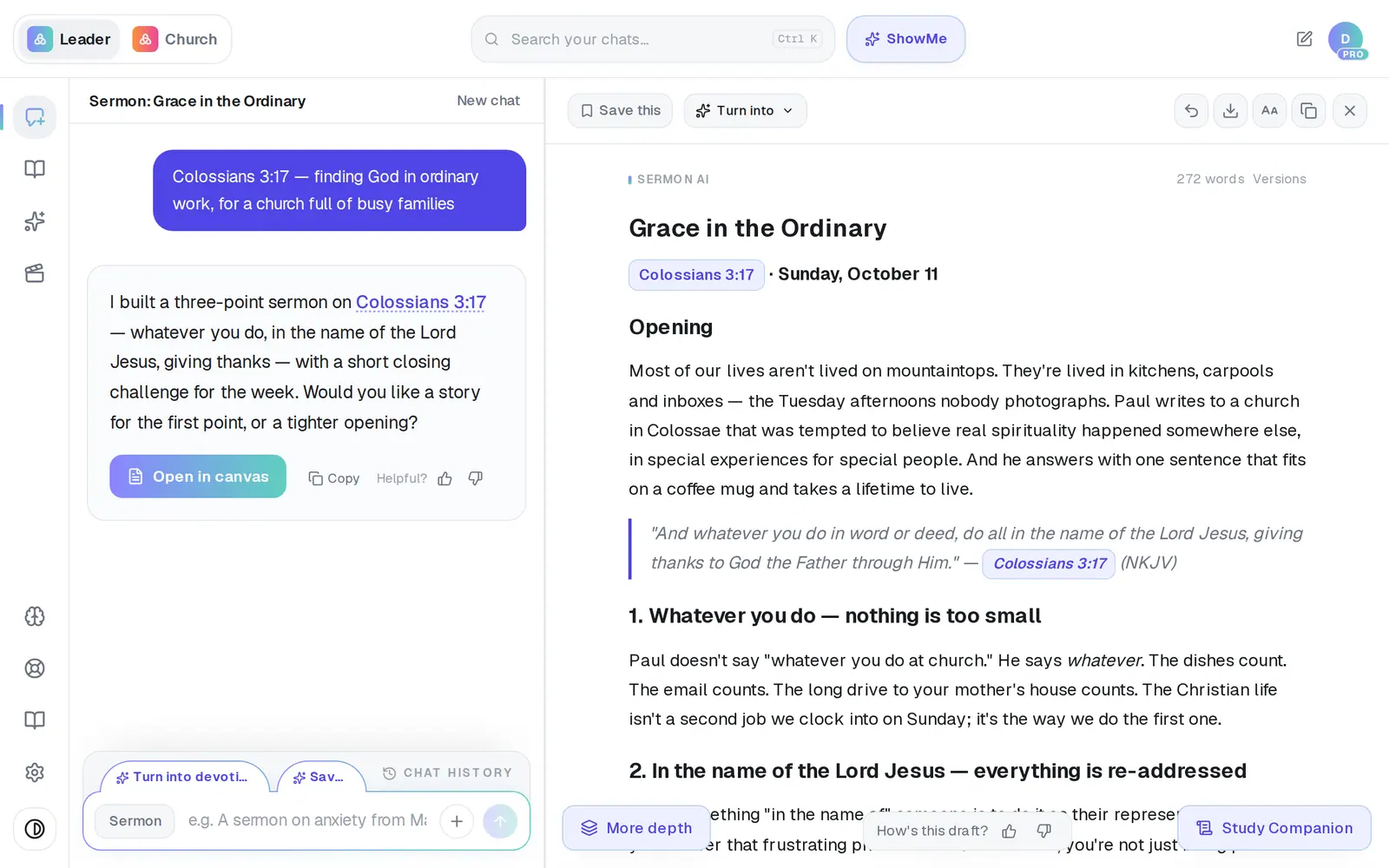
1/6 · Click in the draft where you want to change something
Before you start: Open the draft you want to edit. If it's closed, tap Open in canvas on its card in the conversation.
Good to know
- Your typing is safe when you ask Aligned for a change. The moment an AI rewrite (or a restored version) replaces the draft, what you'd typed is kept as a Your edits version you can bring back from Versions.
- Highlight a few lines to turn them into a Bullet list or Numbered list. That formatting is instant and never counts as a request.
- Need the whole chat bigger, not just the draft? Use your browser's zoom (Ctrl or Cmd and +), or the text-size setting on your phone.
If it’s not working
It says “Couldn't save — copy your text”
Your last edit didn't reach us, usually because the connection dropped. Copy the draft with the copy icon at the top so nothing is lost, check your connection, then make the edit again.
I can't type in the draft
The draft is locked while Aligned is writing — the line above it says Writing… or Thinking it through…. It unlocks as soon as the writing finishes. “Finishing up — editing unlocks in a moment” means it's nearly there.
My own edits vanished after I asked Aligned for a change
They're kept. Tap Versions beside the word count and restore the one labeled Your edits.
Did this help?
Next, you might want to
- Ask Aligned to improve your draftAsk for a stronger application, more Scripture or an illustration, and watch the draft change in place.
- Rewrite, expand or shorten one paragraphHighlight a passage to rephrase, shorten, expand or add Scripture — or research it without touching your draft.
- Undo a change or get an earlier draft backStep back one change, restore an earlier version, or clear the canvas and start over.
- Print your sermon or save it as a PDFPrint your manuscript or save a PDF on a computer or phone, and know where the file ends up.