Choose which buttons show on your ConnectPath
Your ConnectPath is the page people open from your QR codes: your church's name and a few big buttons. If one of those buttons isn't right for your church, one checkbox takes it off the page. What the button opens keeps working, and checking the box again puts it back where it was.
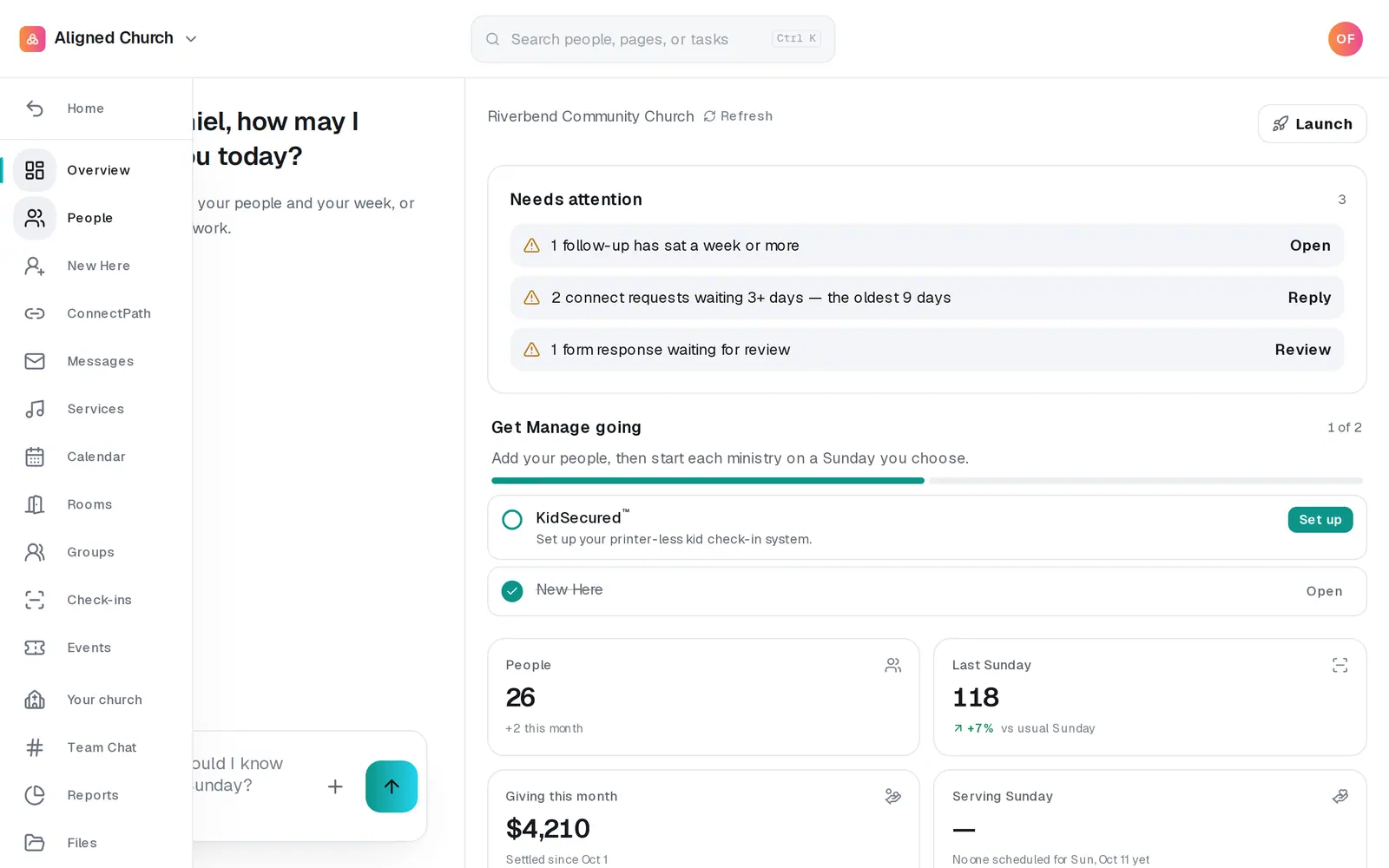
1/4 · In Manage, press ConnectPath in the left rail
Good to know
- Changed your mind? Check the box again and press Save. The button comes back exactly where it was, with its title.
- Unchecking takes only the button off. Unchecking Check-in your Kid doesn't turn kids check-in off: your kids check-in link still opens it, and so does the QR code on any table toppers, and your KidSecured™ settings stay as they are. To stop kids check-in itself, turn off the KidSecured™ switch at the bottom of Manage's Check-ins → KidSecured™ tab. Unchecking New Here? leaves your New Here form as it is.
- The same cards change the order (drag a card by its grip, or use its arrows) and the words on a button (the pencil beside its title). Every change waits for Save.
If it’s not working
I can't uncheck Give Now
At least one button stays on your ConnectPath, and it's Give Now. While the other three are unchecked, its box stays checked, with “At least one button stays on your ConnectPath, so “Give Now” stays checked.” under it. Check one of the others again, and Give Now can be unchecked.
A button we unchecked came back
Nothing Aligned does by itself checks a box again. If it's Give Now, unchecking the last of the other three checked it again, because one button always stays. Otherwise someone on your team checked it (Giving, Manage and your Rapid Launch Kit all open the same ConnectPath), or the change was never saved: an unchecked box takes the button off your page only after Save.
A button is checked but isn't on our page
Something it needs isn't there yet, and its card says why under its title: “Shows once your giving page is Active.”, “Shows once you have an open New Here form.”, “Shows once kids check-in is turned on.” or “Shows once you choose an event.” Set this up, under the first three, opens the place to set it up in a new tab. For Register Me, press Events on its card, choose one of your events, then press Save.
Our ConnectPath says “Nothing here yet. Please ask someone at the church for help.”
None of the checked buttons can show yet: a button shows only once it's set up. Each checked card under Button Order that can't show says what it needs under its title, and Set this up, where there is one, opens the place to set it up. If every other button is unchecked, only Give Now is left, and it shows once your giving page is Active, so check another button that's set up and press Save.
Next, you might want to
- Welcome first-time guests with New HerePublish your ConnectPath, share its QR code, hear about every guest who fills in your New Here form, and turn on the follow-up that welcomes them.
- Check kids in safely on Sunday morningSet up KidSecured™: share your kids check-in link, give volunteers their live list, and put the right people on your kids check-in team.
- Share your giving link and QR codeCopy your giving page's link and download its QR code for slides, bulletins, connect cards and emails.
- Make a digital connect cardBuild a connect card or sign-up form, share its link, and close or delete it when you're done collecting.