Fix a giving application that was sent back
A sent-back application usually means one detail didn't match, most often the legal name or the EIN. It isn't a no. Your answers are all still there, so fixing it takes a few minutes.
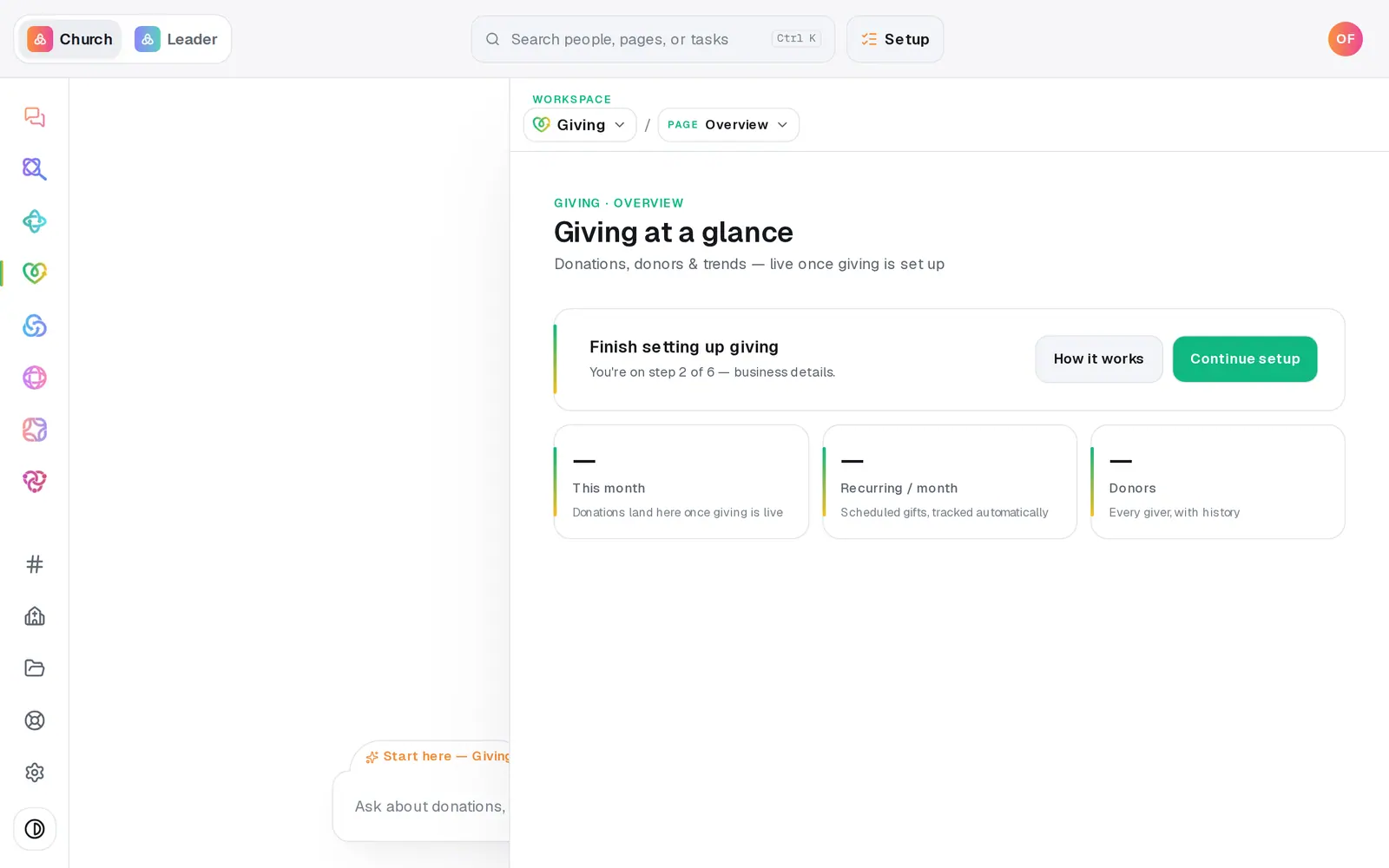
1/5 · In Giving, press Continue setup
Good to know
- Prefer the chat? Type “Continue setup” in the Giving chat. It names each part that needs checking and opens that step first.
- Until it's fixed, the account owner gets a few reminder emails, each with a button that opens the application at the flagged field. Opening Giving → Setup pauses them for a day.
- More than one thing flagged? Every field that needs a correction is named, and each is marked in red when you submit.
If it’s not working
The message names Business type or Ownership %
Don't change your organization type or add an owner to get past it: 0% ownership is right for a church. Press Help at the bottom of the left rail, and a person will correct the application with you.
Setup says “The application was declined”
That's different from a correction. An underwriting decline is final for that application and can't be appealed from Aligned. Press Help and a person will walk through the options with you.
Setup says “Giving is disabled”
The giving account has been switched off and can't take gifts. Press Help and we'll work with you to get it switched back on.
Resubmit says a field needs attention
Scroll up: each field to fix is outlined in red with a short note, like “EIN like 12-3456789.” Correct it and press Resubmit application again.
Next, you might want to
- Fill in your giving applicationWho signs for the church, your church's details, expected giving and the bank account, then one signature and you're in review.
- Find out if your giving is approvedWhere your giving application stands, how long the bank's review takes, and what to do the moment you're approved.
- Start receiving gifts onlineRegister your church for Aligned Giving on the Setup page or in the chat, and know what happens after you press the button.