Let people give with a text
Many of your people would give right now from their phone if it were as easy as sending a text. The shared number needs no carrier paperwork: you pick a keyword, and anyone who texts it can give to your church.
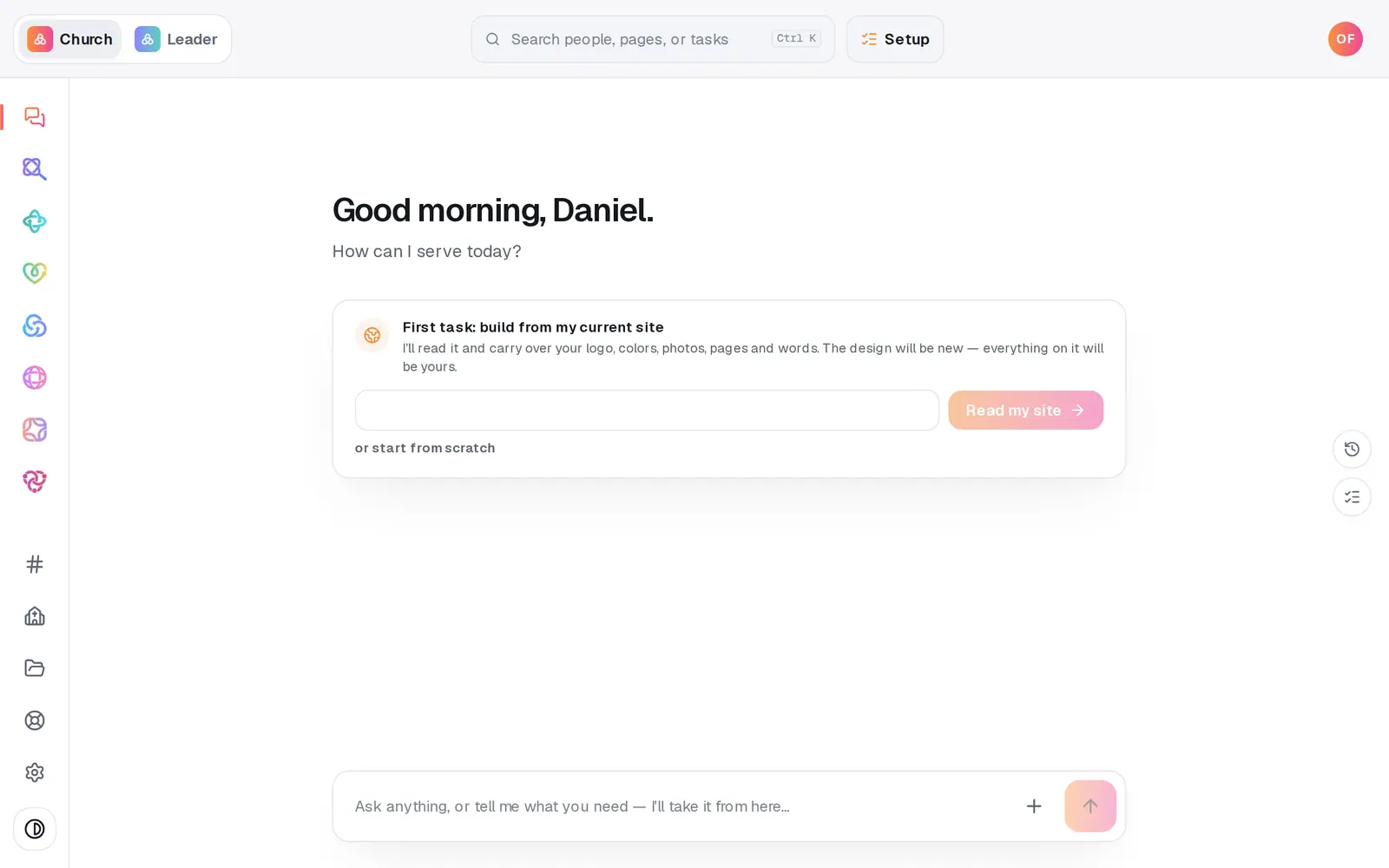
1/5 · Open Giving from the left rail
Good to know
- Rather do it in the chat? Type “set up text to give” in the Giving chat. It shows the same two options and can claim your keyword right in the conversation.
- Card and bank details are never typed into a text. The conversation settles the amount and the fund, then hands off to your secure giving page. Gifts by text are card gifts.
- Want a number that belongs only to your church, where people text an amount with no keyword? Press Get a dedicated number on the same page. You can run both, and the shared number keeps working while you wait.
- Pick your keyword carefully the first time. You can press Change later, but that breaks every QR code and bulletin already printed with the old one.
If it’s not working
It says another church already uses that keyword
Keywords are unique across every church on Aligned, so a common word may already be taken. Add your town or your initials and press Claim again.
It says the word is reserved
A few words, such as STOP, HELP, GIVE and SWITCH, have to keep working the same way for every church on the shared number, so no one can claim them. Choose a different keyword.
It says “Keywords are 3–20 letters or numbers.”
Spaces, dashes and punctuation are dropped for you, so this means your keyword has fewer than 3 letters or numbers. Add a few, like your church's initials, and press Claim again.
The badge says Reserved, not Live
Your keyword is saved and held for your church. It starts working by itself the moment the shared line connects, with nothing more for you to do. Until then, your giving link works everywhere, and a dedicated number is the other way to take gifts by text.
Pressing Claim asks “Ready to make this live?”
Your church's setup isn't finished yet. Press Setup at the top of the screen and finish it, then come back and press Claim again.
Next, you might want to
- Get your own text-to-give numberRegister a number that belongs only to your church, so people can give by text with no keyword and you can text your church from it too.
- Share your giving link and QR codeCopy your giving page's link and download its QR code for slides, bulletins, connect cards and emails.
- Announce online giving to your churchUse the Giving launch plan to pick your Sunday, have staff give first, and send the announcement with the slide and pew cards ready.
- Give with a text messageText your church's keyword, reply with an amount, finish on the giving page the first time, and answer YES after that.