See and manage recurring gifts
Recurring gifts are the steadiest part of your giving, so it's worth noticing when one stops collecting. The Recurring page shows every scheduled gift, when it charges next and whether it's healthy, and it's where you stop a gift when a donor asks.
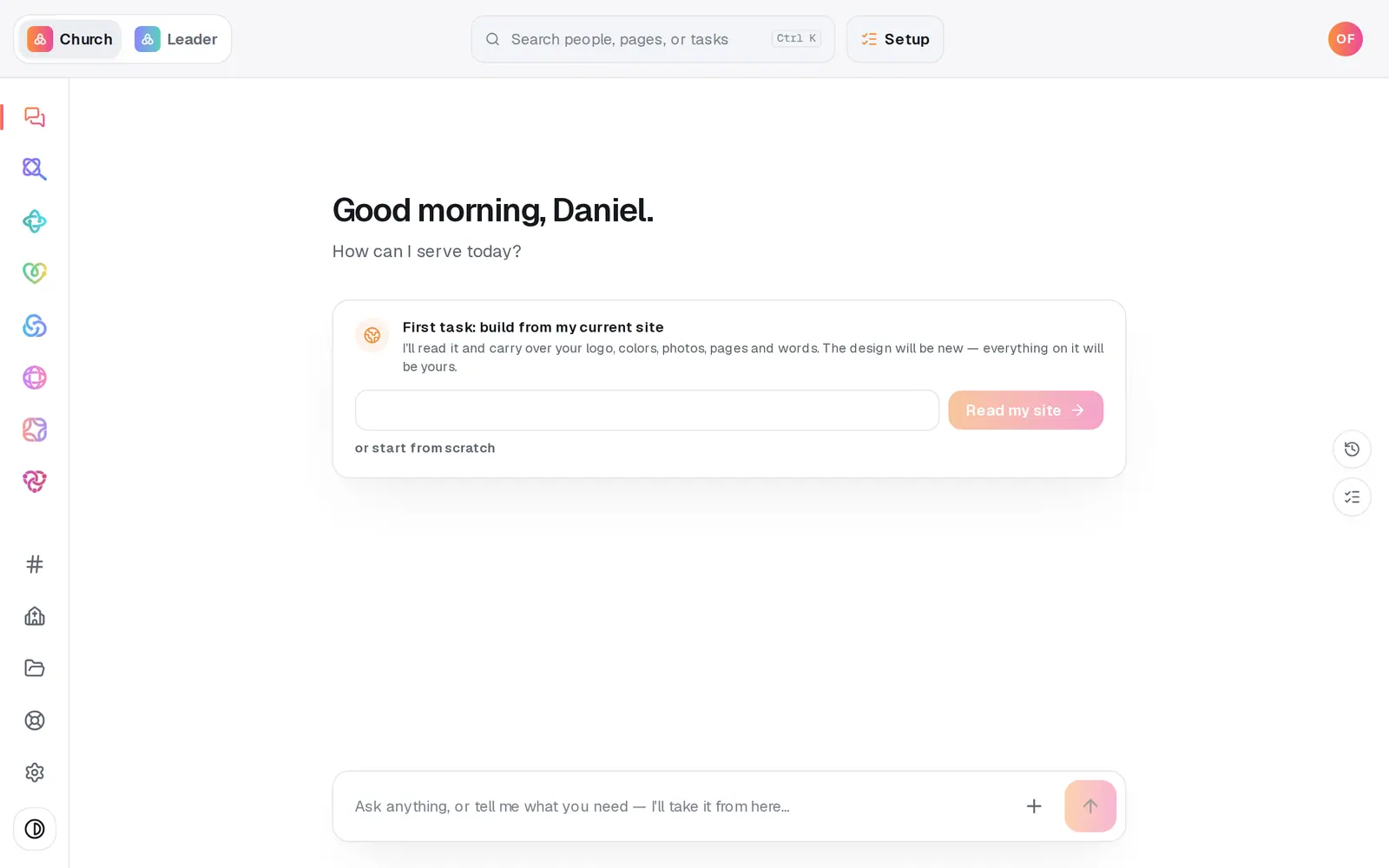
1/6 · Open Giving from the left rail
Good to know
- Donors don't need you for most changes. From the manage link on every receipt they can change the amount or how often, skip one, pause until a date, update their card or cancel.
- To send a donor their manage link, open Donors, open their name and press Copy manage link. Share it only with that donor: anyone holding it can change their giving.
- Rather ask? In the Giving chat, try “Who is past due?” or “Cancel Dana's monthly gift”. A cancel is only proposed until you tap the button that confirms it.
- For a spreadsheet of every gift that can charge today and when it runs next, open Reports and pick Recurring roster.
If it’s not working
What are the gifts marked “Nobody asked yet”?
They're recurring gifts rebuilt from the giving you brought over from another platform. Nothing is charged until each donor sets theirs up on your giving page, and Aligned never contacts them for you, so sharing your giving page is the step. Cancel each donor at your old platform only after they've set up here, never before.
A gift says “Needs a schedule”
The old platform charged that donor on a schedule Aligned can't bill, like every two weeks, or one it couldn't read. The donor picks weekly, monthly, quarterly or yearly when they set the gift up; nobody chooses for them.
There's no Cancel button on a gift
A Canceled gift has already stopped, so there's nothing to cancel. A gift marked Nobody asked yet shows Dismiss instead, since the donor hasn't set it up here and nothing is charging.
Confirm cancel says “You don't have permission to manage giving.”
Your staff role can only view Giving. Ask your church's account owner to set Giving to Edit in your role, then try again.
A donor's card keeps failing
Send them their manage link (Donors, open their name, Copy manage link) so they can update the card themselves. Don't wait too long: after four failed charges in a row the gift cancels itself.
Next, you might want to
- Find a gift or a donor's giving historySee what came in, find any one gift, and look up everything a donor has given, down to their manage link.
- Refund a giftSend all or part of a donation back to the donor's card, right from the gift itself.
- Run giving reports and exportsGive your treasurer giving by fund, month or donor, and download every donation as a spreadsheet.
- Change, skip or pause your recurring giftChange the amount or how often, skip one gift, or take a break until a date you pick, all from Your giving.