Update your billing card or fix a declined payment
The church card expired, or the bank turned down this month's charge. The Aligned Church plan has no card form of its own, so a person changes the card with you, and nothing switches off while you sort it out.
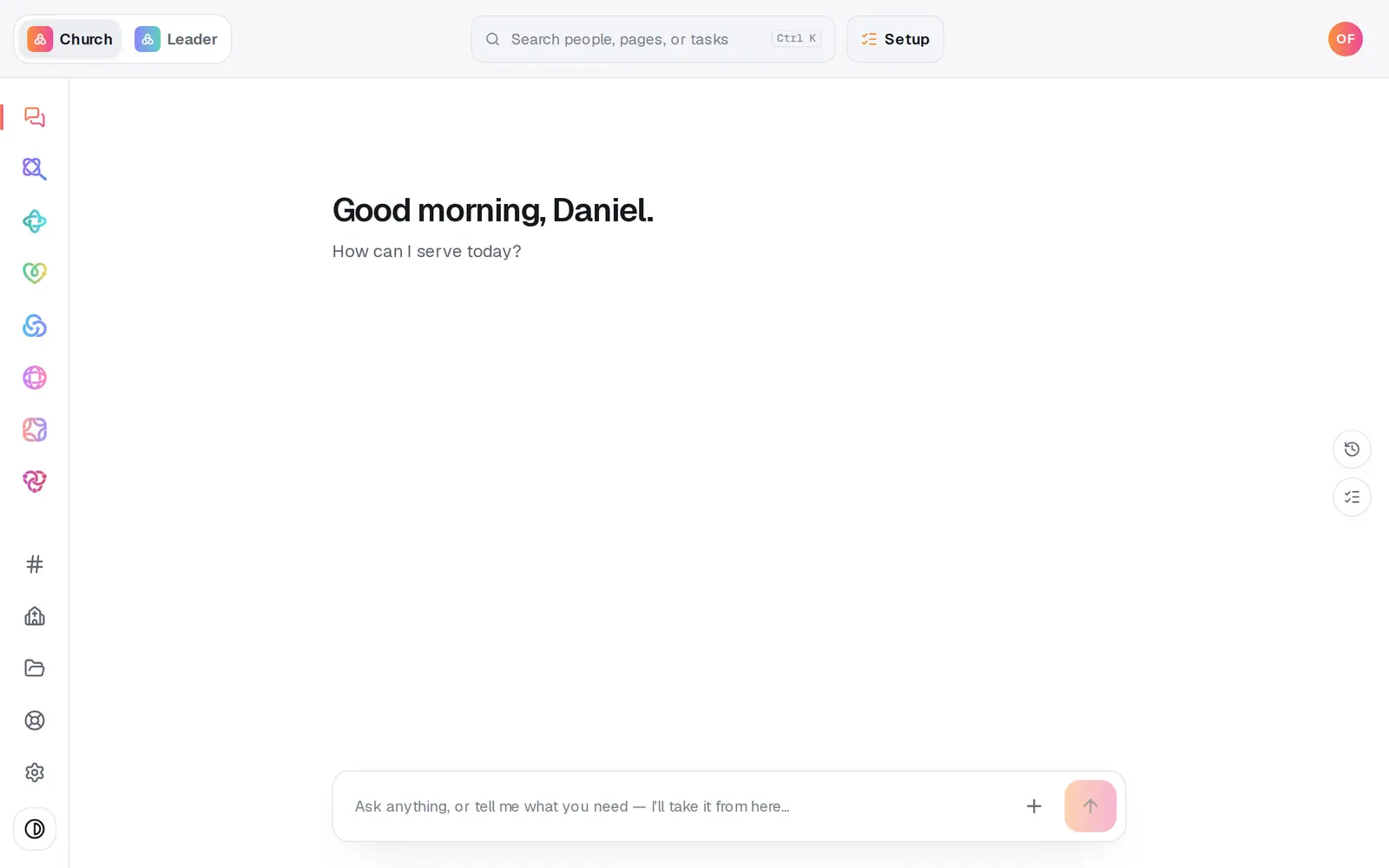
1/6 · Open Settings at the bottom of the left rail
Good to know
- Got the email “We couldn't charge your card”? Replying to it works too, and a person answers.
- If your church's Aligned Giving has been set up since, say so in your message: the plan goes back to $0 with nothing to pay.
- Would you rather stop? Cancel Aligned Church at the bottom of the Plan page stops every future charge.
If it’s not working
Where's the button to change our card?
There isn't one for the Aligned Church plan. A person changes the card with you: message us from Help, or reply to any billing email from Aligned Church.
I changed the card in Aligned Leader, but the church plan still says the payment didn't go through
Change card in Aligned Leader's Settings → Billing is for Aligned Leader Pro only. Message us from Help and a person will update the card for your Aligned Church plan.
Will our website or modules switch off?
No. A declined charge doesn't switch anything off, and no new charge starts while it's being sorted out.
I don't see Plan in Settings
Only the church's account owner sees it. Ask the owner to message us from Help.
Next, you might want to
- Understand what Aligned Church costsThe price of each module, when it's all $0, how long your free window runs, and where to see exactly what your church pays.
- Find your Aligned Church billing receiptsWhere Aligned Church receipts go, what the charge is called on your card statement, and who to ask for a copy.
- Cancel Aligned Church (and what happens to your work)Stop your plan from Settings in a minute, what cancelling does and doesn't do, and how to start again later.
- Message a real person on the Aligned teamMessage the Aligned team from inside your workspace, and what happens after you press send.