Add a file, link or voice note to a message
Your material is already somewhere — last year's series notes in a PDF, a photo of the whiteboard from staff meeting, an article you want to respond to. Hand it to Aligned with your question and it works from what the file actually says, instead of guessing.
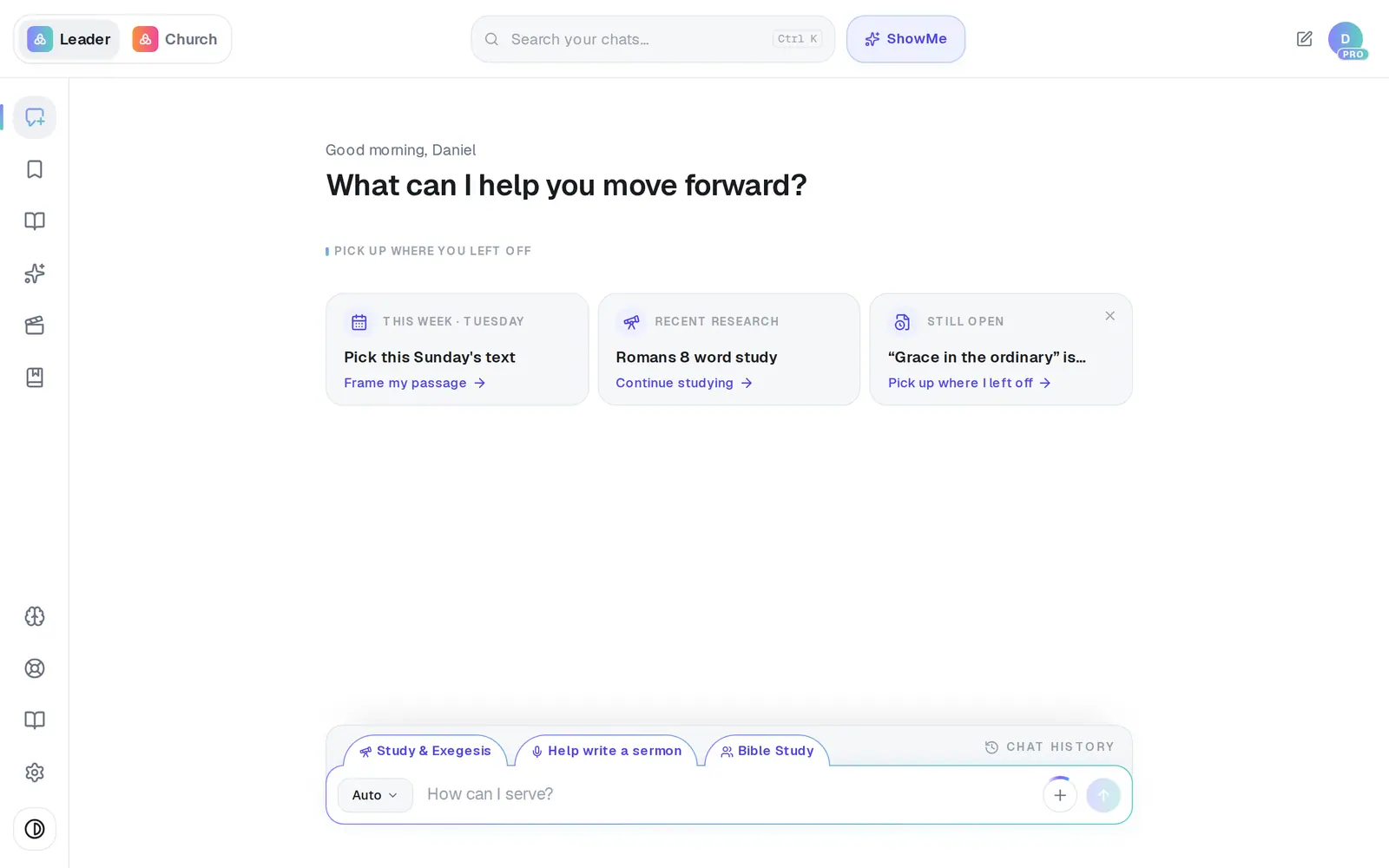
1/5 · Click + beside the send button
Good to know
- Pasting something long — a whole manuscript or a transcript — turns it into a document chip called Pasted text instead of filling the box (anything over 6,000 characters). Add your question and send.
- A file is read with the message it came with. If a later question is answered as though it isn't there, mention it (“the notes I attached”) or attach it again.
- On a phone, + is the way to attach — there's no dragging files in.
If it’s not working
It says “You can attach up to 3 documents and 4 images at a time.”
That's the most one message carries. Send this one first, then add the rest to your next message.
It says “That file is too large (max 15MB)” or “Couldn't read that document.”
Try a smaller copy of the file, or copy the part you need and paste it into the message instead — a long paste becomes an attachment by itself. If it says “Couldn't read any text from that file.”, there was no text in it to read.
It says my document is long and only the first part could be read
Aligned reads a long document up to a point and tells you when it stopped, so its answers won't cover the end. Send it in parts, say which part is which, and ask about one part at a time.
It says “Microphone access was blocked.” or “That recording is too long.”
Your browser or phone said no to the microphone — allow it for Aligned in its settings and try again. A recording is cut off at about 25 MB, so for a long thought, record it in shorter pieces.
I attached a file in the Assistant and it opened a new chat
The Assistant can't read attachments yet, so files open in a regular chat, and a note there says so. Ask your question in that chat.
Next, you might want to
- Get a better answer from AlignedTell Aligned what missed and ask again, go deeper on a sermon, or turn on Pro Thinking for a harder question.
- Turn your sermon into a devotional or studyUse Turn into to make a devotional, small-group study, kids lesson or social posts from a finished draft.
- Upload your statement of faith and documentsAdd your beliefs, policies and manuscripts so Aligned draws on them, and choose which ones your website may quote.
- Let Aligned take notes in your next meetingRecord a staff or elder meeting on your phone or computer and get a summary, action items and decisions back.