Fix a meeting that failed or is stuck
You recorded the whole staff meeting and the notes haven't shown up — or worse, the meeting says Failed. Most of the time the screen tells you exactly what happened, and a failed meeting never costs you a request.
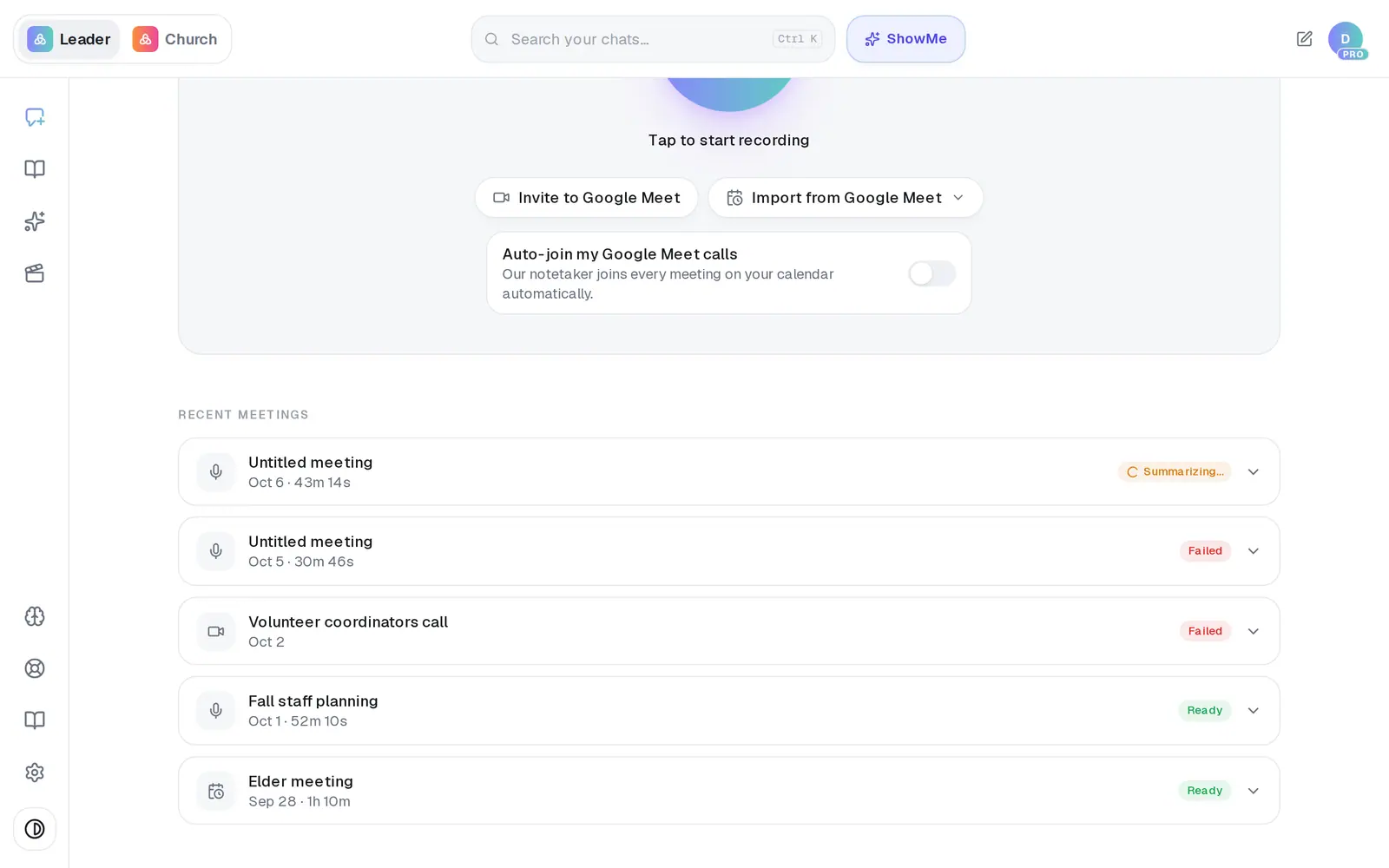
1/5 · Open Meetings and find the meeting under Recent meetings
Good to know
- Keep the Meetings page open after you stop recording until you see Got it — we're writing up your summary now. — that's the sign the recording has been handed over.
- A failed meeting doesn't count against your requests, and neither does a recording that comes back silent.
- On a phone, look for Keeps recording if your screen locks or you switch apps. under the button in the Aligned app. If it isn't there, update the app before a long meeting.
If it’s not working
The meter turned red while I was recording
It says We can't hear anything… when no sound is reaching Aligned — usually the wrong microphone is selected or it's muted. Fix it and keep going, or stop and start again. If you carry on as it is, the recording will come back empty.
When I stopped, it said the recording came back silent
Aligned heard nothing the whole time, so it didn't upload that recording or charge a request for it. Check which microphone your browser is using and that it isn't muted, then record again.
It says “Microphone access was blocked.”
Your browser or phone is keeping Aligned away from the mic. Allow the microphone for aligned.church in your browser's site settings — or, in the phone app, turn it on in your phone's Settings under AlignedAI — then tap the button again.
The notetaker never came into our Google Meet
Someone in the call has to admit AlignedAI Notetaker from the waiting room. Next time, invite it a minute before you start and watch for its request to join.
It says Ready, but the summary is thin
The write-up didn't come together, but the transcript is still there — open the meeting and press Full transcript. If the transcript looks right and the summary doesn't, message Support and we'll look at it.