Install Aligned on your Mac
Aligned works in any browser on your Mac, but the Mac app gives it a window and a Dock icon of its own, and it keeps itself up to date. One thing catches people out: the Mac app isn't in the Mac App Store. What you'll find there is the iPhone app, which runs in a small window that can't be made bigger — so download it from Aligned instead.
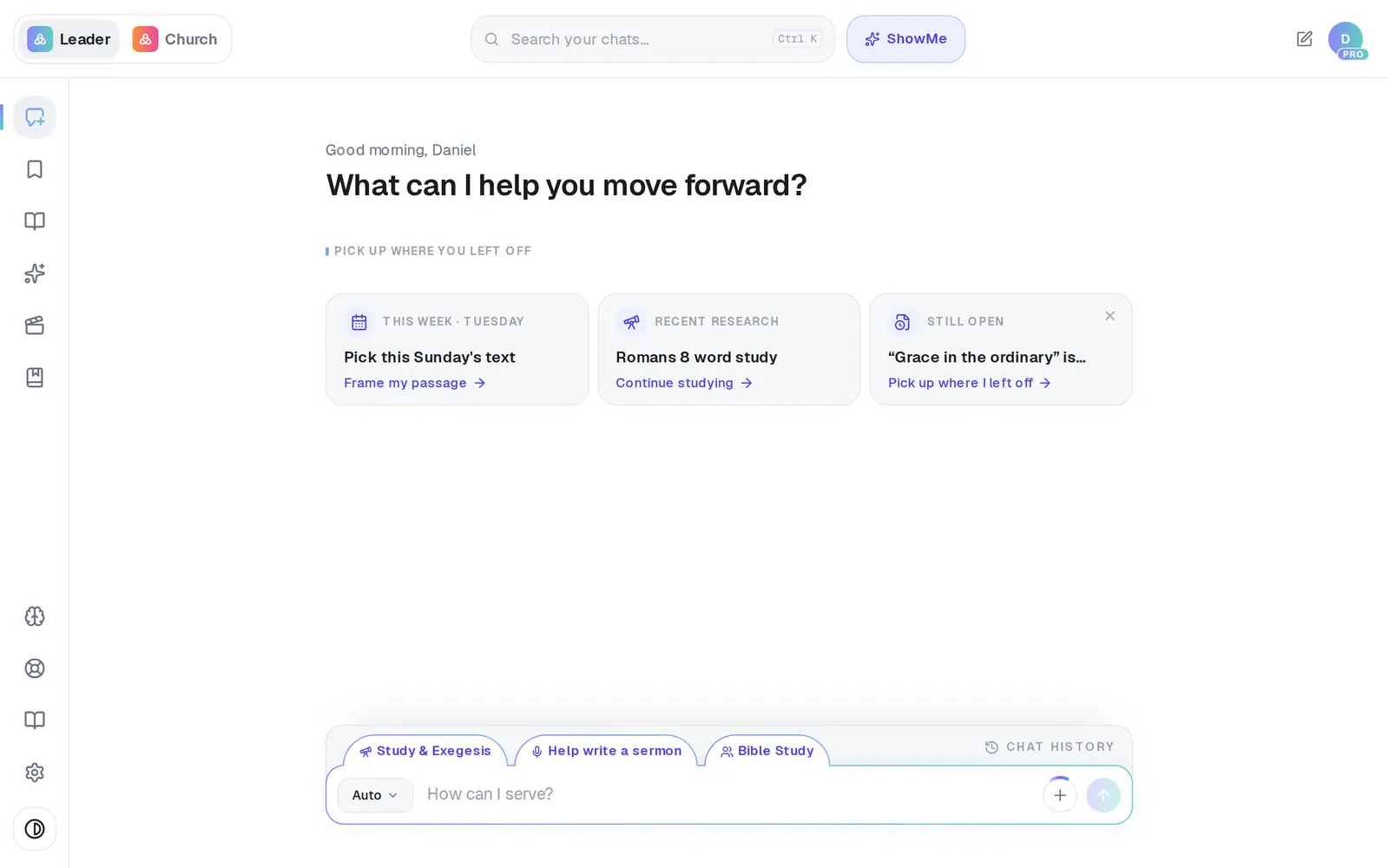
1/4 · Click Resources — the book icon near the bottom of the left rail
- 4Open the download and drag AlignedAI into your Applications folderThe download is a disk image in your Downloads folder. Once AlignedAI is in Applications, it sits with your other apps.
Good to know
- The Mac app updates itself. It checks when you open it and in the background, and installs the update the next time you quit.
- Google and Outlook sign-in windows and the billing page open inside the app. Links to other websites open in your usual browser.
- It remembers its window size and position, and it can use your microphone for voice input and recording meetings.
- On a Windows PC there's no app to install. Use aligned.church in your browser, where everything works, and pin it or add it as a shortcut from the browser's own menu.
If it’s not working
The Mac app is tiny and won't get any bigger
That's the iPhone app from the Mac App Store, not the Mac app. Your Mac runs iPhone apps in a fixed, phone-sized window, and nothing inside Aligned can change that. Delete that copy, then install the real one from aligned.church/download/mac — it opens as a normal Mac window you can resize.
There's no Download App button in my Resources menu
Once your account has opened any Aligned app — including the iPhone app on this Mac — every download button hides for good. Go straight to aligned.church/download/mac instead.
I downloaded it, but it isn't with my other apps
The download is a disk image. Open it and drag AlignedAI into Applications — if you only opened it from Downloads, it won't show up with your other apps.
The download fails, or the app won't open
That isn't something you can fix from inside Aligned. Message us from Support and we'll help you get it installed.
Next, you might want to
- Get Aligned on your iPhone or AndroidDownload the app or add a home-screen shortcut, sign in with the same account, and keep it up to date.
- Find your way around AlignedWhere chat, Brain, Media, Assistant, Saved and Settings live on a computer, and what the top bar tells you.
- Let Aligned take notes in your next meetingRecord a staff or elder meeting on your phone or computer and get a summary, action items and decisions back.
- Get help from a real personMessage the Aligned team, send a feature idea or bug report, and know what happens after you send.