Organize your drafts into folders
A few months of sermons, studies and letters add up fast. Folders in Saved Work let you keep a series together, or everything for Wednesday nights, so you're not scrolling past last spring to find this week.
About 2 minutes Works on the free planUpdated September 29, 2026
aligned.church/leader
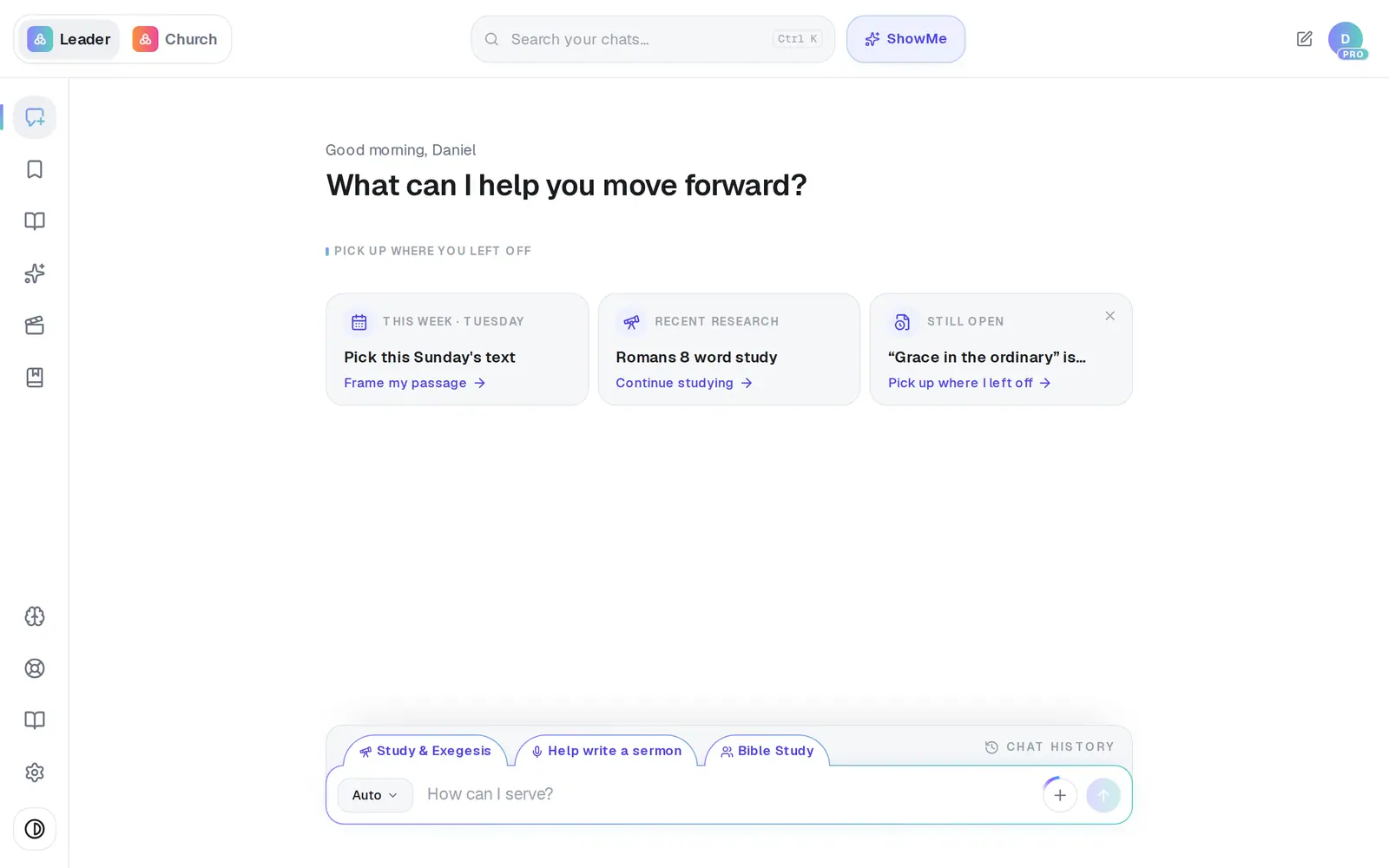
1/7 · Tap Saved in the left rail
Before you start: Folders live in Saved Work, which appears once you've saved something.
Good to know
- Rename a draft from the same ⋯ menu: choose Rename, type, and press Enter.
- To rename or delete a folder on a computer, point at it and use the pencil or the trash that appear. On a phone, tap the folder, then its ⋯.
- Deleting a folder doesn't delete what's in it — those drafts go back to Unfiled.
If it’s not working
I deleted a draft by mistake
Deleting a draft (⋯ → Delete) happens at once, with no confirmation and no undo. If it came from a chat you still have, find that chat in Chat History, open it with Canvas, and tap Save this to save it again.
My new folder didn't appear
If creating it doesn't go through, nothing shows up. Check your connection and make it again.
A rename went back to the old name
It shows straight away, but if it didn't reach us it reverts the next time the page loads. Rename it again.
Did this help?
Next, you might want to
- Find everything you've savedOpen Saved Work, narrow it down by folder, and reopen a saved draft to keep working on it.
- Save your sermon so you can find it laterSave a draft or an answer to Saved Work, and know for sure that it saved.
- Start, rename or delete a chatOpen a fresh conversation, give a chat a name you'll recognize, or remove one you don't need.
- Reorder, move or delete book chaptersKeep your book tidy: put chapters in order, move one to another book, and clear out old drafts.