Start, rename or delete a chat
A new passage deserves a new chat — Aligned remembers the thread you're in, and a fresh one keeps it focused. And when your history fills up with chats named after whatever you typed first, a better name makes the right one easy to spot.
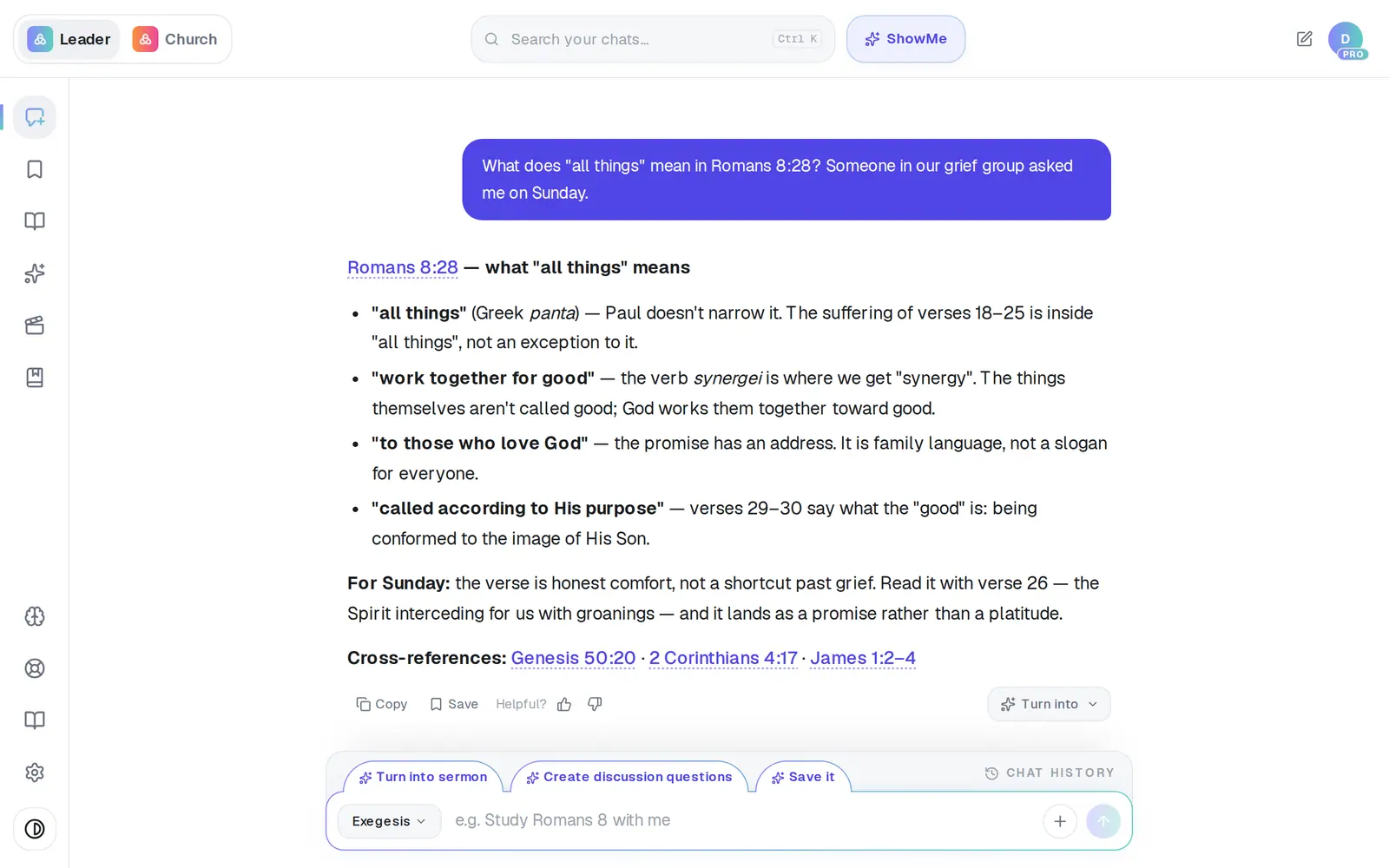
1/6 · Tap Chat at the top of the left rail to start a new chat
Good to know
- Plain question-and-answer chats are named after your first message, so starting with the words you'd search for later — “Easter Sunday — the empty tomb, John 20” — saves renaming. A chat that writes a document takes the document's title.
- There's no bulk delete and no archive; chats go one at a time.
- Saved Work items and folders have their own Rename and Delete in their ⋯ menus.
If it’s not working
I tapped New chat and nothing happened
You were already on a blank chat, so there was nothing to clear. Type your question and send it.
The new name didn't stick
If a rename doesn't reach us, the row quietly goes back to the old name. Type it again.
The chat came back after I deleted it
The delete didn't go through — usually a dropped connection — so the chat was put back to show it's still there. Tap the trash again.
Deleting chats didn't give me my requests back
Your request count is kept on your account, not in the chat, so deleting a chat never lowers it.
I need a chat removed for good
Delete takes it out of your list. If it holds sensitive pastoral details that must be erased, message Support rather than relying on Delete.
Next, you might want to
- Find a past chat or sermonGet back to a conversation from yesterday or last month, even if you only remember a phrase.
- Organize your drafts into foldersMake folders in Saved Work, move drafts into them, and rename or delete what you don't need.
- Pick up the draft you were working onReopen yesterday's draft in one tap, and set a “Finish tomorrow” reminder when today isn't the day.
- Find your way around AlignedWhere chat, Brain, Media, Assistant, Saved and Settings live on a computer, and what the top bar tells you.