Pick up the draft you were working on
You got halfway through Sunday's sermon before the hospital call came in. Aligned keeps your place: the draft you were working on waits on the empty chat screen, and if tomorrow is more realistic, it will remind you in the morning.
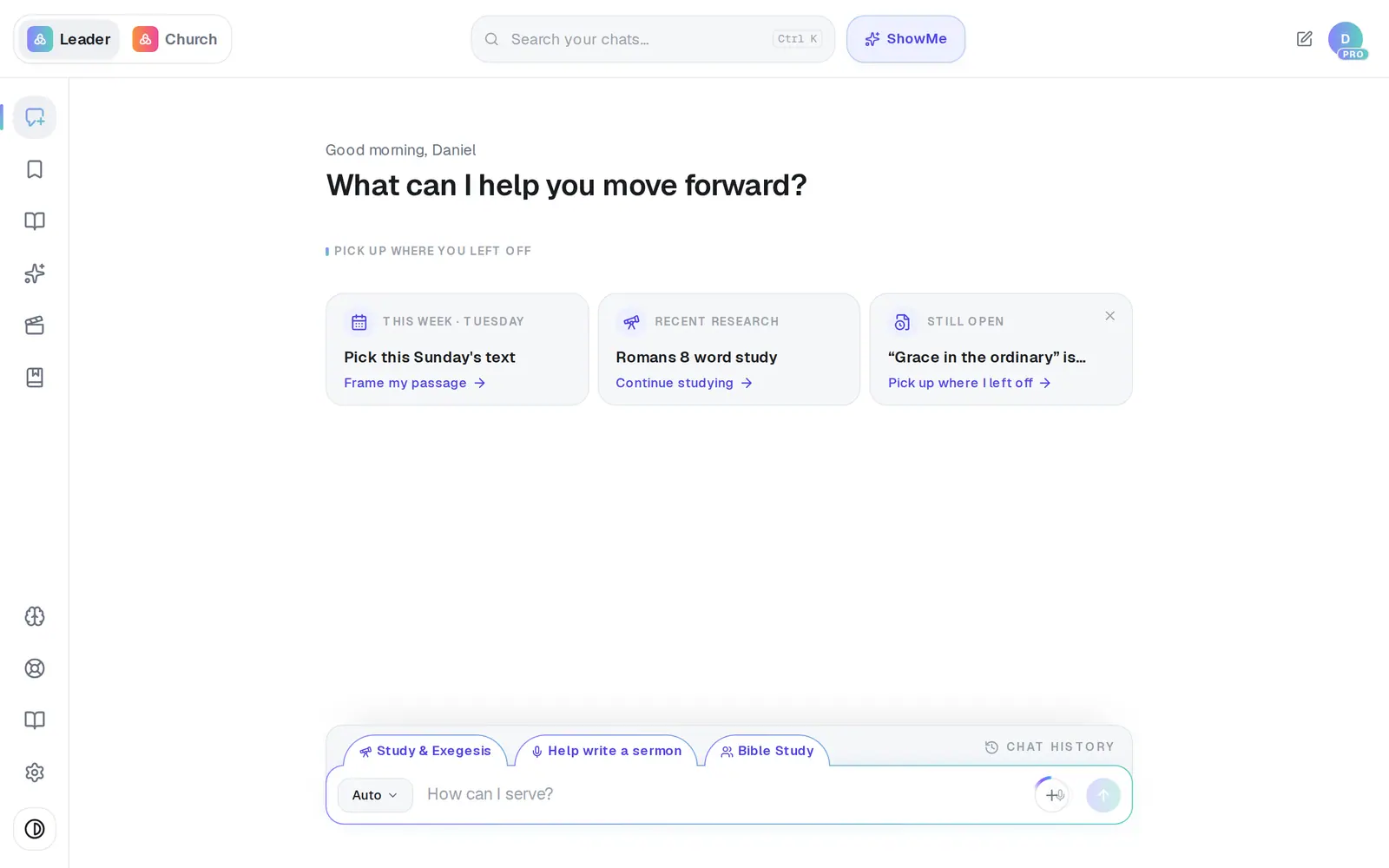
1/5 · On the empty chat screen, tap the Still open card
Good to know
- Not this week? The × on the Still open card hides it for three days.
- The card only offers drafts you've worked on in the last two weeks. For anything older, search for it in Chat History.
- A link in one of our emails or texts that points at a draft opens that chat with the document already showing.
If it’s not working
There's no Still open card
It's there for a document you've worked on in the last two weeks, and only on the empty chat screen. Once you've tapped it, it steps aside for that draft. Your draft is still in Chat History.
The card shows my first sentence instead of a title
The card uses the chat's name, which starts out as the first thing you typed. Give it a better one from the same ⋯ menu in Chat History — choose Rename.
“Finish tomorrow” won't stick
When it doesn't go through, the pin quietly disappears. Try once more; if it still won't stay, message Support.
The link in my email says “This chat didn't load”
Tap Retry in case it was a connection hiccup. If it still won't load, that chat was deleted — look for the draft in Saved Work instead.
Next, you might want to
- Find a past chat or sermonGet back to a conversation from yesterday or last month, even if you only remember a phrase.
- Start, rename or delete a chatOpen a fresh conversation, give a chat a name you'll recognize, or remove one you don't need.
- Save your sermon so you can find it laterSave a draft or an answer to Saved Work, and know for sure that it saved.
- Get a daily brief every morningTurn on a short morning summary of your calendar, to-dos and church numbers, and choose what goes in it.