Set up Aligned for your church
The first time you open Aligned, it asks a few questions before anything else — your church, your tradition, your Bible translation. They take about two minutes, and they're what make every answer start from what your church believes instead of a generic middle ground.
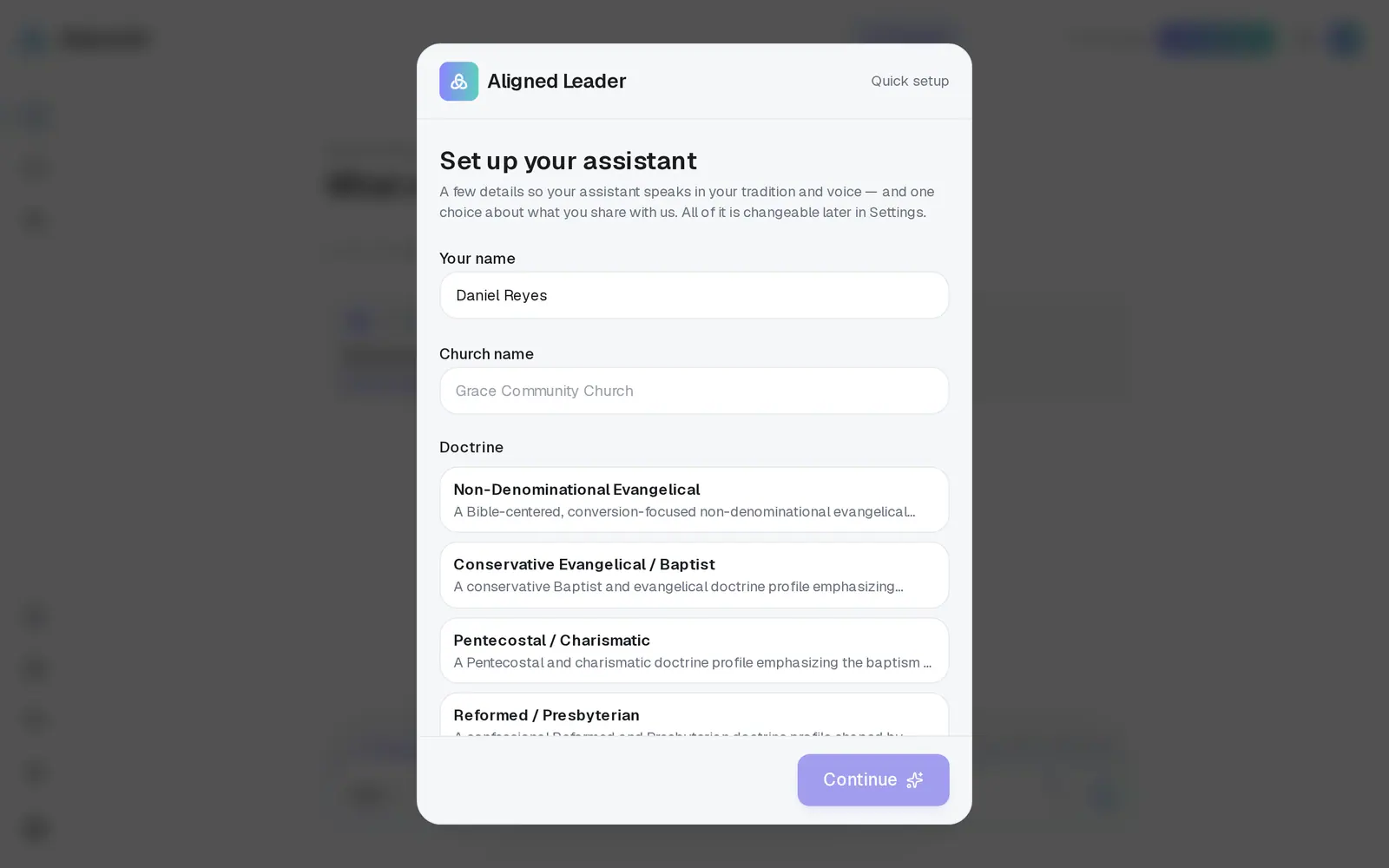
1/5 · Type your Church name
- 6Add your YouTube channel, or press Skip for nowPaste your channel (an @handle or its link) and press Connect — Aligned pulls in your latest sermons and learns how you preach. No channel? Tap No channel? Upload a sermon file instead (PDF, Word, Pages, RTF, TXT or MD, up to 20 MB). When it's in, press Start chatting.
Good to know
- When you land in the chat, a first sermon is already typed into the message box for you, in the sermon format. Press send when you're ready, or replace it with your own topic — nothing is sent until you do.
- Everything here can be changed later in Settings → General: your name, your church's name, your tradition and your translations.
- Skipped the channel? You can add it any time from Brain — see the guide on making Aligned sound like you.
If it’s not working
It says “Something went wrong saving your details. Please try again.”
Press Continue again. If it keeps happening, refresh the page — if your church was already saved you'll carry straight on, and if not, setup comes back so you can finish.
It says “We couldn't connect that channel. Check the link and try again.”
Copy the address from your channel's page on YouTube (it usually looks like youtube.com/@yourchurch) and paste that in. Or press Skip for now and connect it later from Brain.
My sermon file won't upload
It has to be a PDF, Word, Pages, RTF, TXT or MD file of 20 MB or less. If it says “The upload didn't finish. Please try again.”, try once more on a steady connection, or skip and upload it later from Brain.
I set up the wrong church
Setup can't be run a second time to move you to a different church — each person belongs to one church. Message us from Support and we'll sort it out with you.
Next, you might want to
- Create your free Aligned accountSign up with your email, land in Aligned Leader, and keep the chat you started as a guest.
- Make Aligned sound like youGive Aligned your website and your sermons so every draft sounds like you and believes what your church believes.
- Choose which Bible translation Aligned quotesPick the translation Aligned quotes from, and the ones it shows beside it for comparing.
- Find your way around AlignedWhere chat, Brain, Media, Assistant, Saved and Settings live on a computer, and what the top bar tells you.