Teach Aligned what's on your church website
Your website already says who you are, what you believe and what happens on a Sunday. Scan it once and Aligned can draw on all of it, and scan again whenever the site changes.
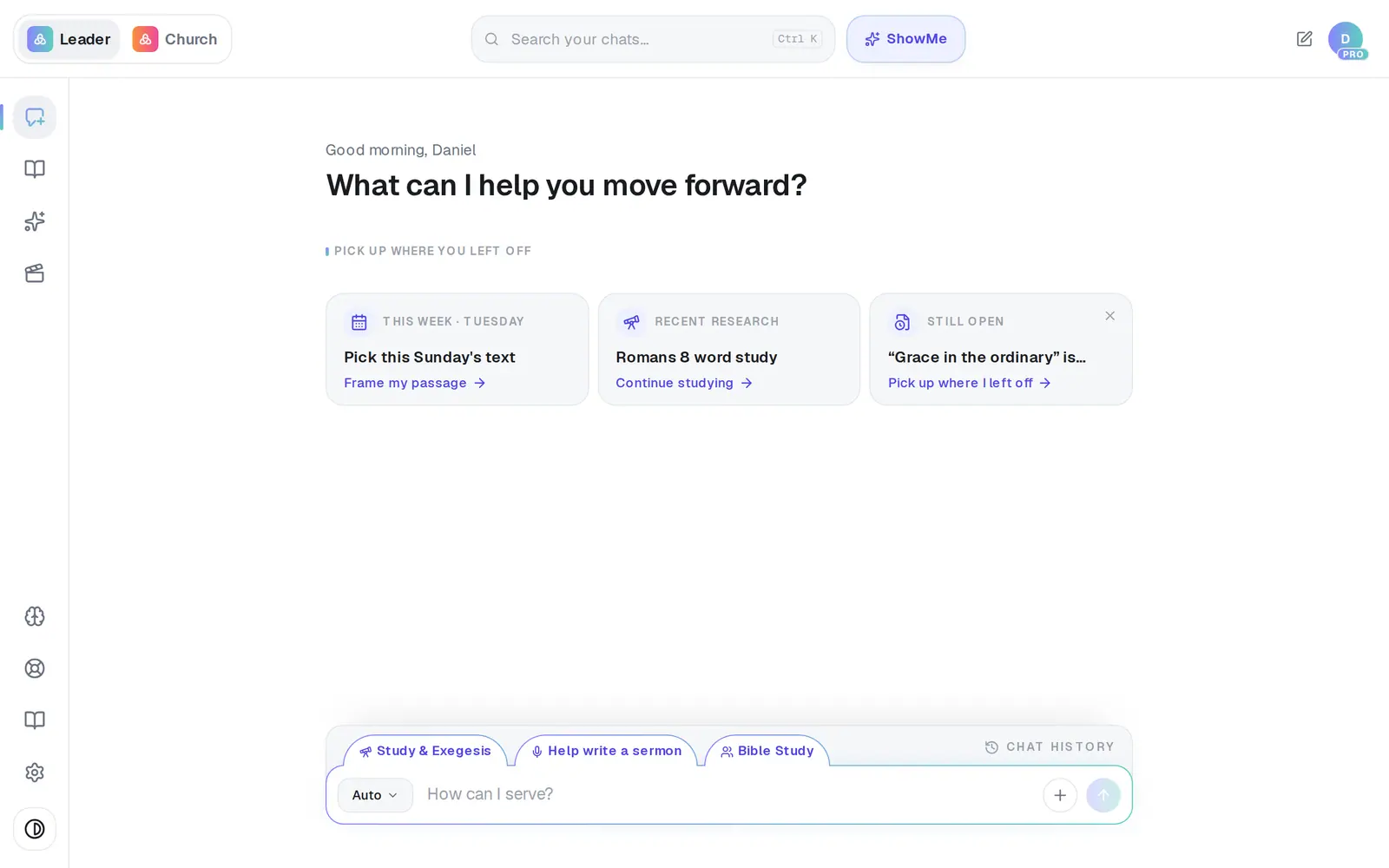
1/5 · Open Brain from the left rail
Good to know
- Changed your website? Scan it again. A new scan replaces the old one instead of adding a second copy, so scan as often as you like.
- If you're building your website with Aligned Church, it scans the same site. A (website) row appearing in your Church Brain after you work on the website is expected, not a duplicate.
- The Website scanned tick on the Church Brain strength meter updates the next time you open the Church Brain.
- A page that's mostly pictures or video has little text to read. If your beliefs page is like that, paste its text under Documents as well.
If it’s not working
It says “Enter a valid website URL”
Check the address includes the whole domain, such as yourchurch.org, then press Scan again.
It says “We couldn't read meaningful text from that site.”
Your pages are mostly pictures or video, so there's little text to read. Paste your beliefs and about-us text under Documents instead — Aligned uses it the same way.
It says the website is behind bot protection
Some website hosts block every automated reader. Nothing is wrong with your account. Paste your key pages under Documents, or message us from Support and we'll help add it.
It says “Could not reach that website”
The site didn't answer. Check the address opens in your browser, then try again in a few minutes.
It says “Could not scan that website”
The site couldn't be reached at that moment. It's worth one more try a few minutes later. If it still won't scan, paste your key pages under Documents.
Next, you might want to
- Make Aligned sound like youGive Aligned your website and your sermons so every draft sounds like you and believes what your church believes.
- Upload your statement of faith and documentsAdd your beliefs, policies and manuscripts so Aligned draws on them, and choose which ones your website may quote.
- Bring in your sermons from YouTubeConnect your channel or playlist so Aligned learns how you preach, and star the sermons that sound most like you.
- Rebuild your current website on AlignedGive Aligned your current site's address and get a new site built from it, with your logo, colors, photos, pages, words and blog posts.