Write a devotional
Your people need something to hold on to on a Tuesday, not only on Sunday. Tell Aligned the passage or theme and how many days you want, and it writes a devotional in your church's tradition — a Scripture, a short reflection and a takeaway for each day — in a draft you can edit and send.
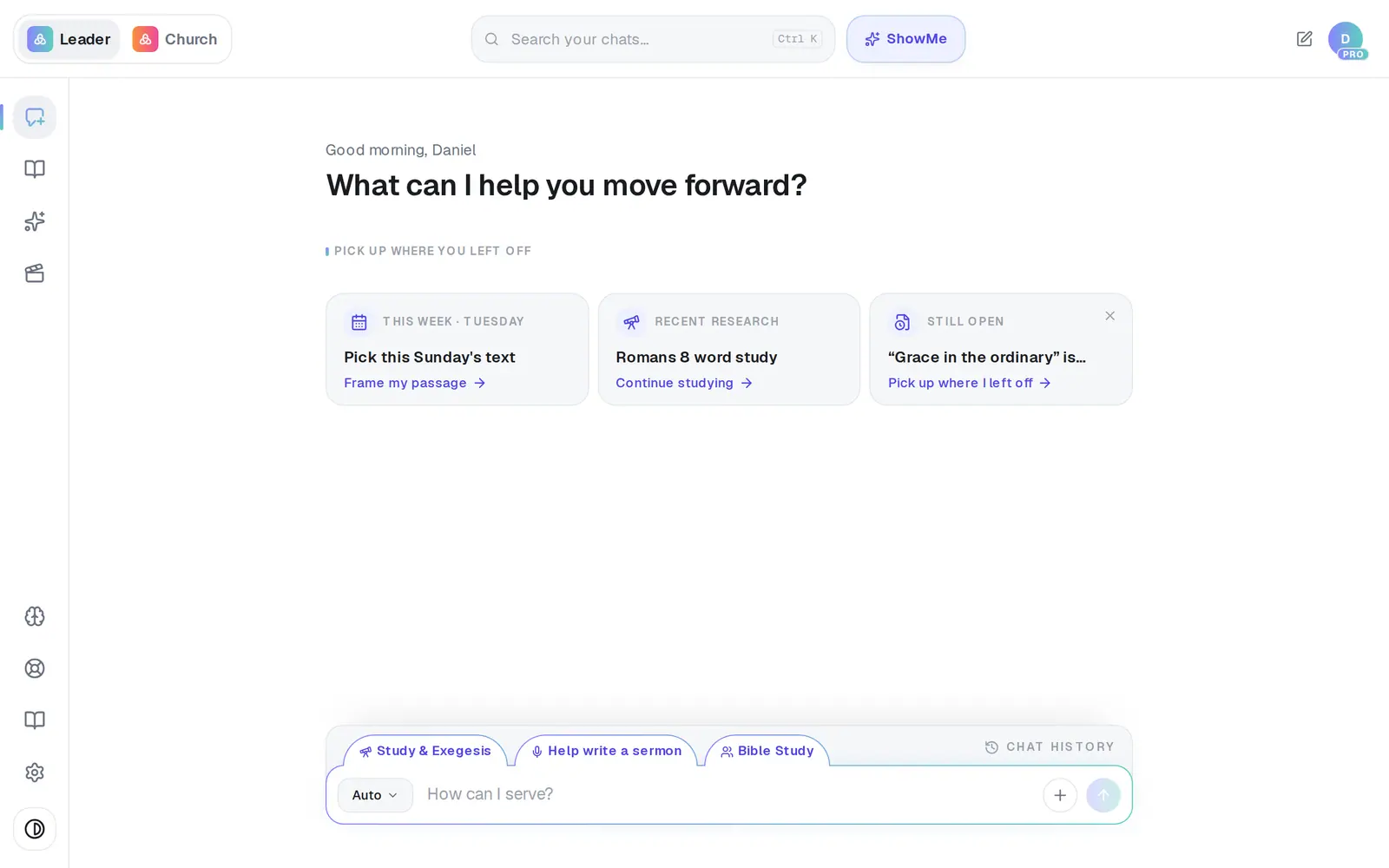
1/6 · Tap the format button at the left of the message box
Good to know
- Already preached on it? Open the finished sermon and tap Turn into devotional above the message box, or Turn into → Devotional at the top of the draft. Your sermon stays as it is.
- Want your small groups to talk it through? Tap Create discussion questions above the message box, and Aligned writes a Bible study from the devotional in a new chat.
- Prefer a file? Export (the download arrow at the top of the draft) gives you a PDF, a Word (.docx) file or a Google Doc.
- On the free plan, each full devotional counts as one of your 200 requests a month.
If it’s not working
Devotional isn't in my list
If you're on a church's staff, you see the formats that fit the position you were invited with. The church owner can change your position in Settings → Staff; you can't change your own.
I got an answer in the chat instead of a devotional
In Auto, a question is answered in the chat. Choose Devotional first, or ask for it in words: “write a devotional on Psalm 23.”
I asked for a new devotional and it rewrote the one I had open
While a draft is open, what you type is usually taken as a change to it. Tap New chat first, then ask for the new one.
The format button won't open
It's locked while a draft is open, so your next message keeps working on that draft. Close the draft or start a new chat, and the button works again.
Next, you might want to
- Turn your sermon into a devotional or studyUse Turn into to make a devotional, small-group study, kids lesson or social posts from a finished draft.
- Write a small-group Bible studyGet a discussion guide with questions for your group from a passage or last Sunday's sermon.
- Copy your sermon into Word or an emailCopy a whole draft, one answer, or last week's sermon straight from your chat list — formatting and all.
- Pick what kind of thing Aligned writesChoose Sermon AI, Bible study, devotional and more — and ask for the kinds of writing that aren't in the menu.